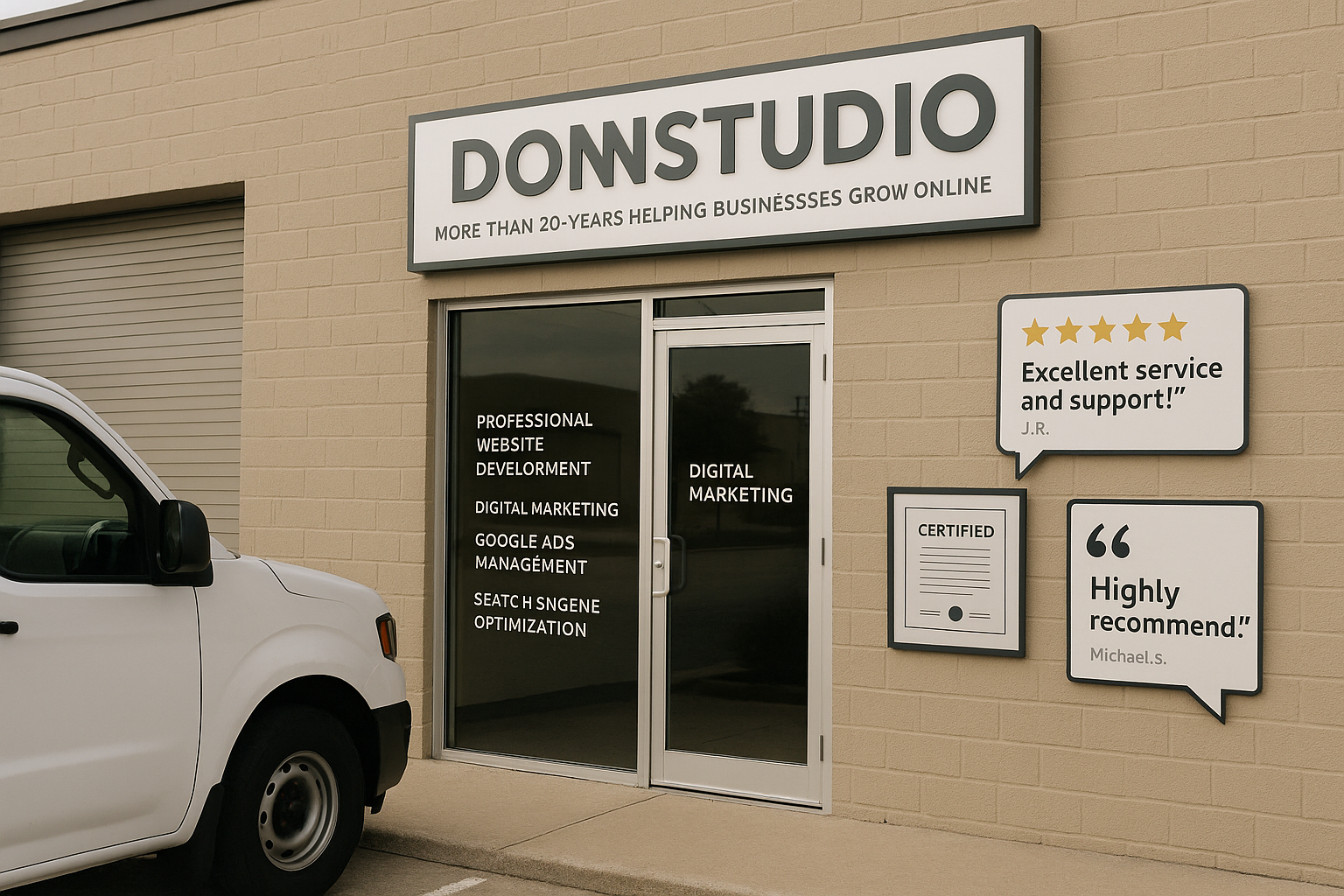
Trust is one of the most important factors in whether a visitor becomes a customer. People may discover your business through search engines, ads, referrals, or social media, but before they contact you, they often visit your website to decide if your company feels legitimate, experienced, and safe to work with.
If your website does not immediately communicate credibility, visitors may leave without taking the next step. That is why learning how to improve trust on your website is not just a design decision. It is a business decision that can directly affect leads, sales, and long-term growth.
Strong website trust signals help reduce hesitation. They answer unspoken questions such as: Is this business real? Have other people had a good experience? Is the company qualified? Can I trust them with my information? The more clearly your site answers those questions, the easier it becomes for people to move forward.
In this article, we will look at the most effective ways to build trust online using reviews, testimonials, certifications, and other credibility elements for small business websites. We will also cover how to place these elements strategically so they support conversions rather than simply filling space.
Why trust matters so much online
In person, customers can judge a business by its location, staff, signage, and overall professionalism. Online, your website has to do that work for you. Visitors make quick judgments based on what they see in the first few seconds. If the site looks outdated, lacks proof, or feels incomplete, people may assume the business itself is unreliable.
Trust affects nearly every action on a website, including whether a visitor:
- Stays on the site long enough to learn more
- Submits a contact form
- Calls your business
- Requests a quote
- Books an appointment
- Makes a purchase
- Returns later to compare options
For many businesses, especially service-based companies, trust is the bridge between interest and action. You may have a great offer, but if your website does not support your credibility, visitors may choose a competitor that appears more established.
What are website trust signals?
Website trust signals are visual, written, and technical elements that help visitors feel confident in your business. Some trust signals are obvious, such as customer reviews and testimonials. Others are more subtle, such as a secure website connection, clear contact information, professional design, or consistent branding.
The best trust-building websites usually combine several forms of proof, including:
- Customer reviews
- Testimonials on business website pages
- Certifications and credentials
- Awards or memberships, when legitimate and relevant
- Case studies and project examples
- Client logos
- Before-and-after results, where appropriate
- Clear policies and contact details
- Secure browsing with HTTPS
- Professional, up-to-date design and content
Trust is not built through one badge or one sentence. It is created through consistency across the entire website.
Use real customer reviews to add immediate credibility
One of the strongest website trust signals is public customer feedback. Reviews work because they provide independent social proof. Instead of the business claiming it is excellent, customers describe their actual experiences in their own words.
When adding reviews to your website, focus on quality, relevance, and authenticity. A handful of detailed, believable reviews often works better than a large block of generic praise.
Best practices for using reviews on your website
- Use real reviews from actual customers. Never invent or exaggerate feedback.
- Include full names when possible, or at least first name and last initial. This makes reviews feel more credible.
- Add the reviewer’s company name or service type when relevant. Context increases trust.
- Feature reviews that mention specific results, experiences, or benefits.
- Keep them updated. Fresh reviews show that your business is active and consistently delivering value.
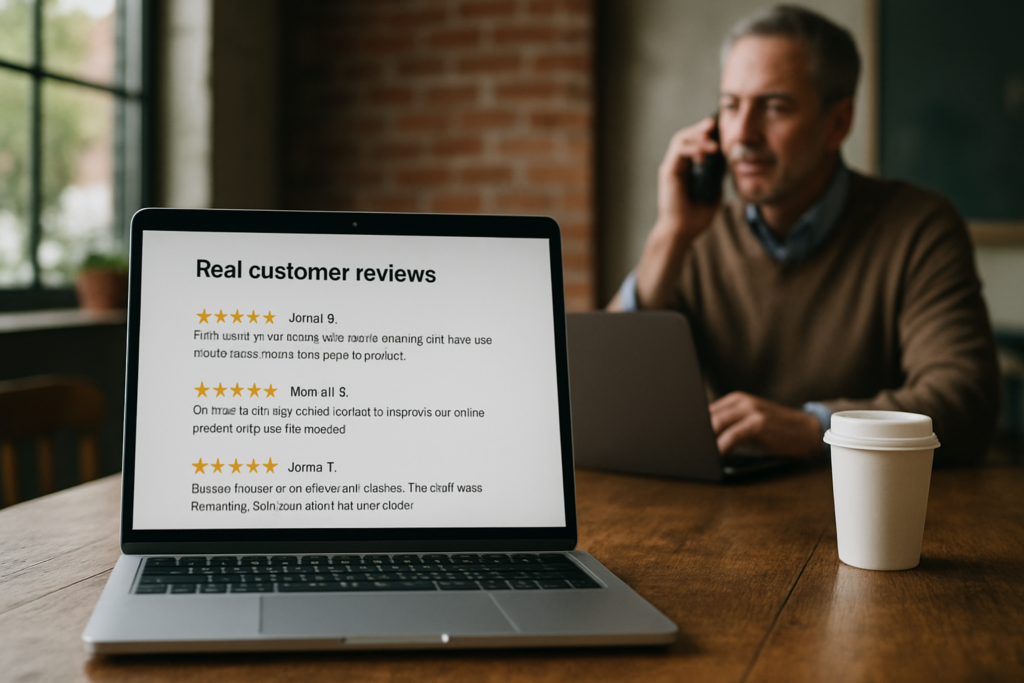
If your business has reviews on platforms such as Google, industry directories, or other third-party sites, referencing those reviews can be especially helpful because visitors recognize them as external validation.
Well-placed reviews can be used on your homepage, service pages, landing pages, and contact page. They are especially effective near forms, quote requests, and calls to action because that is where hesitation tends to be highest.
Make testimonials on business website pages more persuasive
Testimonials are similar to reviews, but they give you more control over presentation and placement. A testimonial section allows you to highlight customer stories that reflect your ideal services and client types.
The key is to avoid vague statements. A testimonial that says, “Great company, highly recommended,” is positive, but not very memorable. A stronger testimonial explains what problem the customer had, what the business did well, and what the outcome was.
What makes a testimonial stronger?
- Specificity: It mentions the service provided or challenge solved.
- Authenticity: It sounds like a real person, not marketing copy.
- Relevance: It matches the concerns of your target audience.
- Identity: It includes a real name, company, title, or other identifying detail when appropriate.
For example, a testimonial from a business owner talking about responsiveness, communication, and long-term support will resonate strongly if your prospective customers value reliability. A testimonial describing how a redesigned website increased lead quality can be powerful for visitors comparing service providers.
Rather than placing all testimonials on a single page and forgetting them, distribute them throughout your website. Add relevant testimonials to service pages, industry pages, product pages, and landing pages where they support the message already on the screen.
Display certifications, licenses, and professional credentials carefully
Certifications and credentials can strengthen trust, especially in industries where customers expect technical competence, regulatory compliance, or specialized expertise. These proof elements help visitors feel that your business meets professional standards.
Examples may include:
- Industry certifications
- Professional licenses
- Association memberships
- Partner badges
- Training credentials
- Platform certifications
However, certifications should be used thoughtfully. Only display credentials that are current, legitimate, and relevant to your services. Outdated or confusing badges may do more harm than good.
How to present certifications effectively
- Place important certifications on your homepage or about page
- Add relevant credentials to individual service pages
- Use recognizable logos when permitted
- Include a short explanation of what the certification means
- Link to official verification pages if available
This is especially helpful because many visitors may not know what a badge represents. A short line of context can make the credential more meaningful and persuasive.
Use other credibility elements for small business websites
Reviews and certifications are important, but they are only part of the picture. Many other elements contribute to how trustworthy your website feels.
Clear contact information
A real business should be easy to contact. Your website should clearly display methods such as phone, email, contact forms, and business details where appropriate. Hidden or incomplete contact information can make visitors uneasy.
Detailed about page
An effective about page helps visitors understand who you are, how long you have been in business, what you do, and what values guide your work. For service businesses in particular, customers often want reassurance that there are real people behind the website.
Project examples or case studies
If possible, show examples of completed work. Case studies, portfolio items, or before-and-after examples provide concrete proof that you can deliver results. They also help visitors visualize what working with your business might look like.
Client or partner logos
If you have worked with recognizable businesses or organizations and have permission to mention them, client logos can add credibility quickly. Keep this section clean and honest. Never imply endorsements that do not exist.
Secure website technology
Technical trust matters too. Your website should use HTTPS, load properly, and function correctly across devices. If a browser displays security warnings, visitors may leave immediately regardless of how good your services are.
Professional design and current content
People often judge trustworthiness visually. A modern, easy-to-use site creates confidence. Broken layouts, outdated photos, inconsistent branding, and old content can signal neglect even when the business itself is strong.
Where to place trust signals for the biggest impact
Even excellent trust signals can lose value if they are buried in the wrong places. Strategic placement matters because visitors often scan quickly and may not read every page in full.
Homepage
Your homepage should establish credibility immediately. This is a good place for a brief review section, certifications, years of experience, client logos, or a short statement about who you help and how.
Service pages
Service pages are ideal for relevant testimonials, proof of expertise, and outcome-focused examples. If someone is considering a specific service, they want evidence connected to that service.
Contact page
This is one of the most important pages for trust. Add reassurance near forms or contact buttons, such as testimonials, review snippets, privacy reassurance, or a brief note about your response process.

Landing pages
If you run advertising campaigns, include trust elements close to the conversion point. Landing pages should reduce uncertainty fast, especially for visitors who have never heard of your brand before clicking.
Avoid common mistakes that damage trust
Businesses sometimes weaken credibility without realizing it. If you want to improve trust on your website, watch for these common issues:
- Using fake testimonials or stock photos as customers
- Displaying outdated certifications or old review counts
- Overloading pages with too many badges and logos
- Making claims that are too broad or difficult to believe
- Leaving broken links, errors, or unfinished pages visible
- Using generic copy that says little about real experience
- Hiding basic business information
Trust is fragile. Small inconsistencies can make visitors question the rest of the website. A cleaner, more honest presentation usually performs better than trying to impress people with excessive claims.
Trust and conversions are closely connected
Trust-building is not separate from conversion optimization. It is a core part of it. A website that feels credible reduces friction at every stage of the user journey.
When visitors trust your business, they are more likely to:
- Spend more time exploring your services
- View you as a safer choice than competitors
- Submit forms with less hesitation
- Call sooner instead of continuing to search
- Feel comfortable making a purchase or booking
This is especially important for small and midsize businesses competing against larger brands. Strong credibility elements for small business websites can narrow that perception gap by showing professionalism, consistency, and proof of results.
Build trust as part of the full website experience
It is tempting to think trust comes from adding a few testimonials to a page, but the strongest websites create trust across the full experience. Design, speed, messaging, content quality, security, navigation, proof elements, and responsiveness all work together.
For example, a testimonial may reassure a visitor, but if the page loads slowly, the form does not work, or the mobile layout is broken, confidence quickly fades. On the other hand, when strong reviews are supported by a polished design, clear service information, visible credentials, and a smooth user experience, the website feels much more dependable.
This is why businesses should think about trust in both marketing and technical terms. Credibility is not only what you say. It is also how reliably your website performs.
Keep trust signals current over time
Trust is not something you build once and ignore. Websites should be reviewed regularly to ensure credibility elements stay accurate and effective.
That may include:
- Adding newer reviews and removing stale ones
- Updating team information and business details
- Refreshing project examples
- Checking that certifications are current
- Testing contact forms and phone links
- Improving page speed and mobile usability
- Removing outdated claims or expired badges
Regular updates signal that the business is active, attentive, and professional. This can make a major difference for visitors comparing multiple companies online.
Conclusion
If you want to know how to improve trust on your website, start by seeing your site through the eyes of a first-time visitor. They are not only looking for services or prices. They are looking for reassurance.
Reviews, testimonials, certifications, and other website trust signals help answer the questions that matter most: Is this business credible? Are they experienced? Have others had a good experience? Can I feel confident taking the next step?
The most effective approach is to combine honest social proof, relevant credentials, clear business information, secure technology, and a professional user experience. Together, these elements create a website that feels reliable and persuasive rather than uncertain or incomplete.
For businesses across the United States, building online trust is one of the most practical ways to improve conversions and strengthen long-term growth. A trustworthy website does more than look professional. It helps visitors feel ready to become customers.