For many small businesses across the United States, a WordPress website is more than an online brochure. It is a lead generator, appointment scheduler, storefront, trust builder, and customer service tool all at once. That also makes it a target.
Business owners often assume cybercriminals only go after large corporations. In reality, small business websites are frequently targeted because they may have outdated plugins, weak passwords, poor hosting configurations, or no regular maintenance plan. A compromised website can damage search visibility, interrupt sales, expose customer data, and harm your reputation.
Understanding WordPress security for small businesses starts with knowing where the risks come from, how to spot trouble early, and what practical steps reduce the chance of an attack. This guide explains the most common threats, the warning signs of a compromised site, and a realistic WordPress website security checklist that small businesses can begin using right away.
Why WordPress Security Matters for Small Businesses
WordPress powers a large portion of the web because it is flexible, scalable, and easy to manage. Those same advantages also create security responsibilities. Themes, plugins, hosting environments, user accounts, forms, payment tools, and third-party integrations all expand the number of places where vulnerabilities can appear.
When a small business website is compromised, the impact can be serious:
- Website downtime and lost leads
- Redirects to spam or malicious pages
- Search engine warnings that reduce traffic
- Stolen login credentials or customer information
- Damage to brand credibility
- Unexpected cleanup costs and lost productivity
If your website supports contact forms, online payments, booking requests, or customer logins, the need for website malware prevention becomes even more important.
Common WordPress Security Risks for Small Businesses
Outdated WordPress Core, Plugins, and Themes
One of the most common security issues is simply running outdated software. WordPress itself, along with plugins and themes, receives updates for new features, compatibility, bug fixes, and security patches. When updates are ignored, known vulnerabilities may remain open for attackers to exploit.
This is especially risky when a business uses many plugins but does not review whether they are still actively maintained by their developers.
Weak Passwords and Poor Login Practices
Weak passwords are still a major entry point for hacked websites. Reused passwords, simple admin logins, and shared staff credentials all increase risk. Brute-force login attempts can target WordPress sites automatically, testing thousands of username and password combinations.
Small businesses often run into problems when multiple people have admin access without clear account controls or when old employee accounts are left active.
Low-Quality or Abandoned Plugins
Not all plugins are equally secure. Some are well-supported and regularly updated. Others are poorly coded, abandoned, or downloaded from unreliable sources. A vulnerable plugin can expose the entire website, even if WordPress core is fully updated.
Businesses that add plugins only to solve quick problems often end up with unnecessary tools that increase maintenance burden and security exposure.
Unsecured Hosting Environments
Hosting plays a major role in how to secure a small business website. If the hosting environment lacks proper server hardening, malware scanning, firewall support, account isolation, backup systems, or current PHP versions, the site may be more vulnerable than expected.

Cheap hosting can look attractive at first, but poor security controls often create larger costs later.
Malware Injections and Backdoors
Malware can be inserted into WordPress files, plugin files, database entries, or uploads. Some attacks inject spam content or redirect users to harmful sites. Others place hidden backdoors that allow attackers to return even after a visible issue seems fixed.
This is why website malware prevention is not only about blocking attacks. It is also about ongoing monitoring and cleanup readiness.
Phishing and Admin User Compromise
Sometimes the website itself is not the first weak point. Instead, attackers gain access through phishing emails, fake plugin update notices, or stolen administrator credentials. Once they have legitimate login access, they can install malicious code, create hidden users, or alter site settings.
Insecure Forms, Checkout Pages, and File Uploads
Contact forms, quote request forms, booking tools, and ecommerce functions can all introduce security risk if they are poorly configured or outdated. File upload fields can be especially risky if they are not restricted properly.
Any site that accepts customer data should pay close attention to SSL, form protection, spam filtering, and secure plugin selection.
Warning Signs Your WordPress Website May Be Compromised
Not every website hack is obvious right away. Some issues are subtle at first and become more serious over time. Small business owners and staff should watch for these common signs:
- Unexpected redirects to unrelated websites
- Sudden drops in traffic or lead volume
- Browser warnings that the site is unsafe
- Strange pop-ups, spam pages, or unfamiliar ads
- New admin users you did not create
- Website files changed without approval
- Hosting account alerts about malware or resource abuse
- Emails from your domain being flagged as spam
- Slow performance with no clear reason
- Google Search Console reporting security issues
Sometimes the first clue is a customer saying the site looks broken or suspicious on mobile. Other times, a business notices ranking loss before realizing the site has been infected.
A Quick Comparison of Common Security Issues
| Security Issue | Typical Cause | Business Impact | Prevention Step |
|---|---|---|---|
| Brute-force login attacks | Weak passwords or exposed login page | Unauthorized admin access | Use strong passwords, limit login attempts, enable two-factor authentication |
| Plugin vulnerability | Outdated or poorly maintained plugin | Malware injection, data exposure, site takeover | Update regularly and remove unnecessary plugins |
| Malware infection | Compromised files, backdoors, insecure uploads | Redirects, blacklisting, downtime | Use security scanning, backups, and hardened hosting |
| Phishing-based admin compromise | Stolen credentials through fake emails or login pages | Unauthorized site changes | Train users, use two-factor authentication, review user accounts |
| Hosting weakness | Poor server security or outdated PHP | Broader site instability and exposure | Choose reputable hosting with strong security controls |
How to Secure a Small Business Website: Practical Prevention Steps
Keep WordPress, Themes, and Plugins Updated
If you want one of the most effective ways to improve WordPress security for small businesses, start with updates. Apply WordPress core updates promptly. Update themes and plugins regularly, especially when a release includes security fixes.
Before installing any plugin, review whether it is actively maintained, widely used, compatible with your WordPress version, and truly necessary.
Use Strong Passwords and Two-Factor Authentication
Every administrator, editor, and shop manager account should use a unique, strong password. Avoid reusing passwords across email, hosting, domain management, and WordPress admin accounts.
Two-factor authentication adds another layer of protection by requiring a second verification step during login. Even if a password is stolen, it becomes harder for an attacker to gain access.
Limit User Access and Review Accounts Regularly
Not every user needs administrator privileges. Assign the lowest role necessary for each person’s work. Remove old user accounts promptly when staff, contractors, or vendors no longer need access.
Review your user list regularly for unfamiliar accounts or privilege levels that no longer make sense.
Choose Secure Hosting
A strong host can reduce risk significantly. Look for features such as malware scanning, web application firewall options, routine backups, modern PHP support, SSL, account isolation, and responsive technical support.
Hosting alone will not secure a website, but weak hosting can undermine every other protection you put in place.
Install an SSL Certificate and Enforce HTTPS
SSL protects data transferred between visitors and your website. It is especially important for login pages, forms, checkout pages, and any website that handles personal information. Modern visitors also expect to see a secure connection, and browsers may warn them if a site is not using HTTPS properly.
Use a Security Plugin or Monitoring Solution
A reputable WordPress security tool can help with firewall rules, malware scanning, login protection, file change detection, and alerts. For small businesses without in-house technical support, visibility matters. The earlier an issue is detected, the easier it is to contain.
Monitoring should include more than the website dashboard. Hosting alerts, uptime monitoring, and Google Search Console can also help catch problems sooner.
Back Up the Website Consistently
Reliable backups are essential. If malware, plugin failure, or human error damages the website, backups may be the fastest path to restoration. Backups should be automated, tested, and stored separately from the live website environment.
For many small businesses, daily backups are appropriate, especially when the website changes frequently.
Remove Unused Plugins, Themes, and Users
Anything inactive but still installed can become a liability. Remove unused themes and plugins instead of leaving them dormant. Clean up old staging tools, temporary admin accounts, and outdated scripts that are no longer needed.

Reducing clutter also makes ongoing maintenance easier.
Protect Forms and Upload Areas
Use anti-spam tools, CAPTCHA where appropriate, validation settings, and file restrictions for uploads. If your business collects quote requests, resumes, documents, or customer attachments, make sure those uploads are limited to safe file types and are not executable.
Change Default Login Practices
While changing the login URL alone is not a complete security strategy, reducing obvious targets can still help. More importantly, apply login rate limits, monitor repeated failed login attempts, and consider geo-based or IP-based restrictions if they fit your business needs.
Keep PHP and Server Software Current
Website security is not only about WordPress. Your server software, PHP version, database systems, and caching stack also need attention. Running outdated server components can expose the site even if the WordPress dashboard looks current.
WordPress Website Security Checklist for Small Businesses
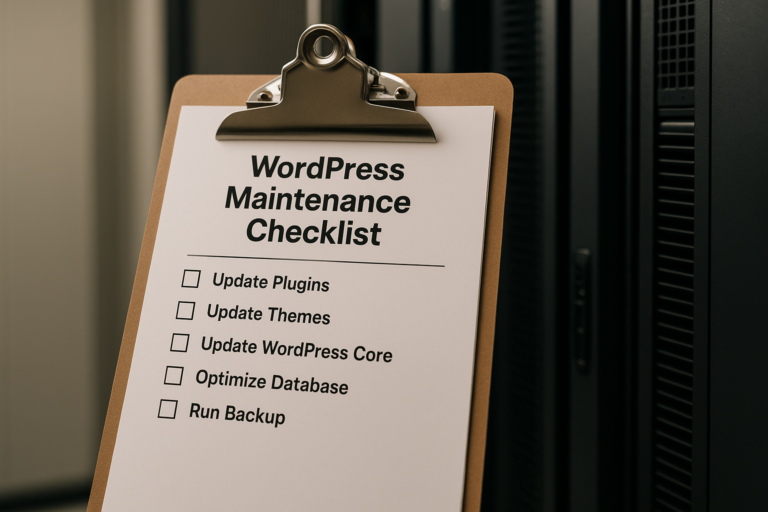
If you want a straightforward WordPress website security checklist, use the following as a starting point:
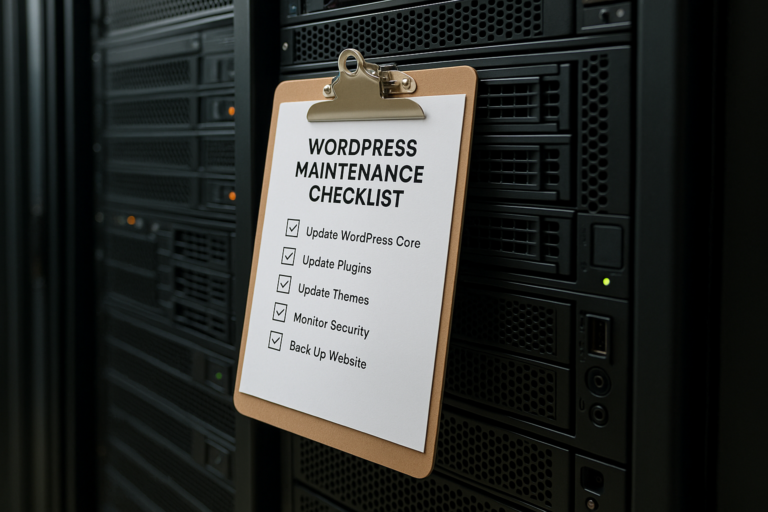
- Update WordPress core promptly
- Update plugins and themes on a routine schedule
- Delete unused plugins and themes
- Use strong, unique passwords for all accounts
- Enable two-factor authentication for admins
- Limit admin access to only necessary users
- Review and remove old user accounts
- Use secure hosting with backup and monitoring features
- Install and maintain SSL with HTTPS enforced
- Run malware scans and monitor file changes
- Set up automated off-site backups
- Protect forms and file upload areas
- Check Google Search Console for security alerts
- Keep PHP and server software updated
- Document who is responsible for website maintenance
This checklist is simple, but it covers the actions that most often prevent avoidable website problems.
Important Considerations for Small Business Owners
Security Is Ongoing, Not One-Time
A website is not secure forever just because it was built well at launch. New vulnerabilities appear, plugins evolve, hosting environments change, and staff roles shift. Security requires routine maintenance, not a one-time setup.
Convenience Can Create Risk
Small businesses are busy, so it is understandable to prioritize speed and convenience. But quick fixes like installing too many plugins, sharing one admin login among multiple people, or delaying updates for months can create much bigger issues later.
Recovery Planning Matters Too
Prevention is essential, but preparation is equally important. Businesses should know who to contact if the website goes down, who has hosting access, where backups are stored, and how emergency updates will be handled.
That kind of planning reduces downtime and confusion when something goes wrong.
The Business Value of Better Website Security
Strong WordPress security does more than reduce technical risk. It supports broader business goals. A secure website helps protect lead generation, preserves customer trust, reduces disruption, and supports long-term marketing performance.
For companies investing in search engine optimization, Google Ads, local visibility, ecommerce, or online booking, the website often sits at the center of those efforts. If the site is compromised, every connected marketing channel can suffer.
That is why how to secure a small business website should be viewed as part of business continuity, not just a technical task.
Conclusion
WordPress gives small businesses a powerful platform, but that flexibility comes with ongoing security responsibilities. The most common problems usually come from preventable issues such as outdated plugins, weak passwords, excessive admin access, poor hosting, and lack of monitoring.
By learning the warning signs early and following a practical approach to website malware prevention, business owners can greatly reduce risk. Routine updates, strong login controls, secure hosting, backups, and regular account reviews form the foundation of effective WordPress security for small businesses.
A secure website protects more than files and logins. It protects your visibility, your customer trust, your daily operations, and your ability to grow online with confidence.