A small business website is never truly finished. Once it goes live, it needs regular attention to stay secure, fast, functional, and useful to customers. For many business owners, that is where problems begin. WordPress makes it possible to manage a professional website without building everything from scratch, but it also requires ongoing maintenance.
If updates are ignored for too long, plugins can become vulnerable, backups may fail, pages may break after server changes, and small issues can turn into expensive repairs. On the other hand, a consistent monthly process helps prevent downtime, protects your data, improves performance, and keeps your website working as a dependable business asset.
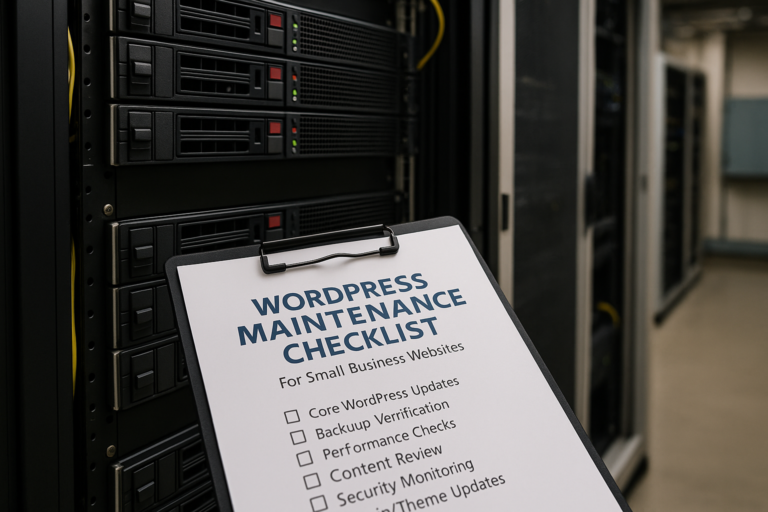
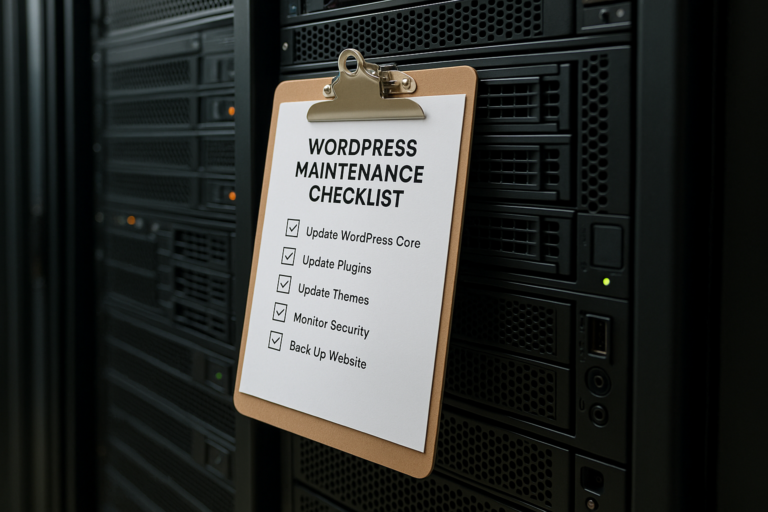
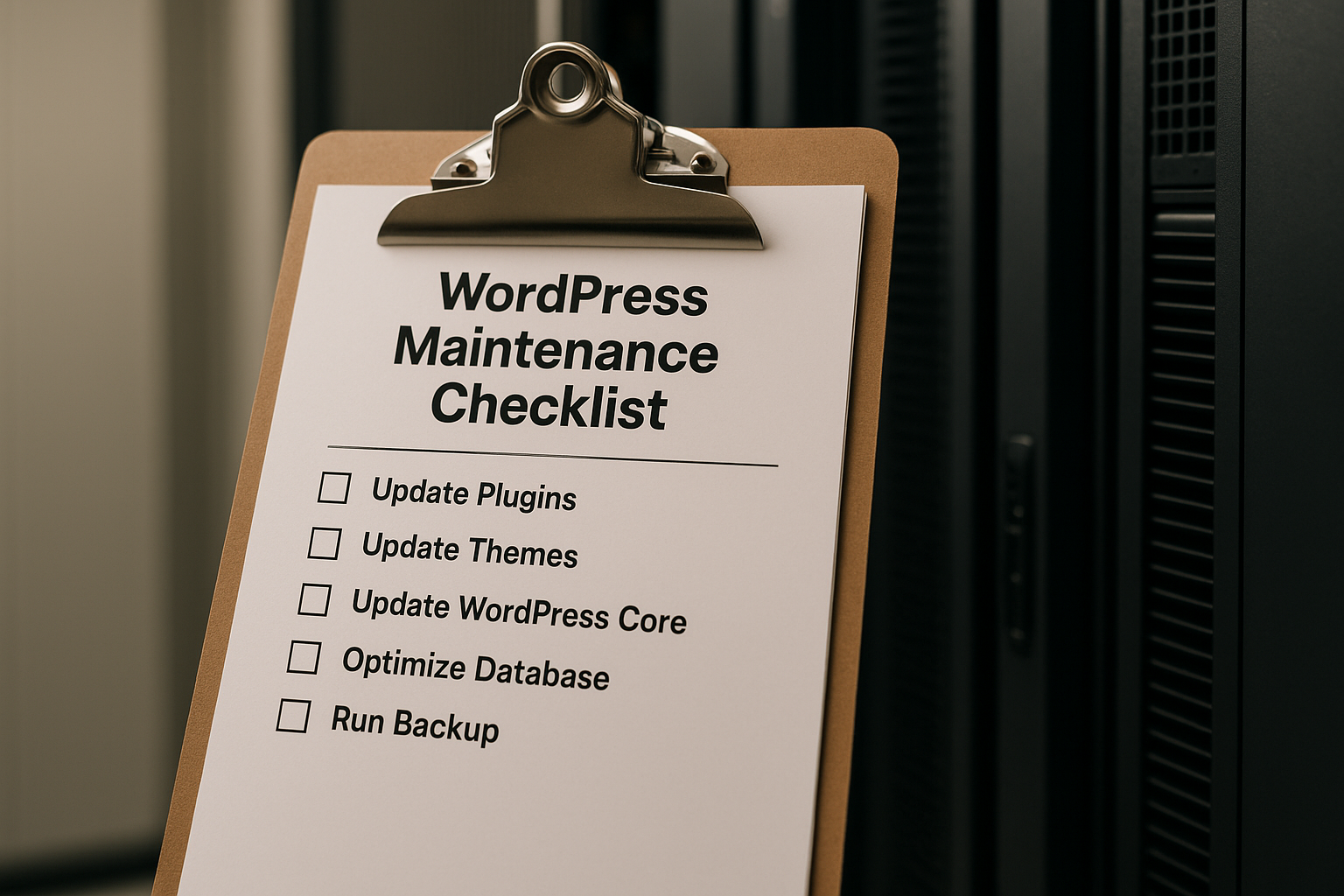
This WordPress maintenance checklist for small business websites explains what to review and update every month. Whether you manage your site in-house or work with a professional support partner, these monthly WordPress maintenance tasks can help keep your website healthy and reduce avoidable risks.
Why monthly website maintenance matters for small businesses
Website maintenance for small business is about more than software updates. Your site supports credibility, lead generation, customer communication, online visibility, and daily operations. If it becomes slow, outdated, or insecure, the impact can reach far beyond the website itself.
Monthly maintenance helps small businesses:
- Reduce security risks from outdated WordPress core files, themes, and plugins
- Catch errors before customers notice them
- Protect content and form submissions with verified backups
- Maintain fast load times and a strong mobile experience
- Preserve SEO performance by identifying crawl issues and broken pages
- Support conversions by keeping forms, calls to action, and contact details accurate
For a small business, one broken inquiry form or one day of website downtime can mean missed leads and lost trust. That is why WordPress updates backups security checks and performance reviews should be part of a recurring routine.
Your monthly WordPress maintenance checklist
The exact process may vary based on your website setup, but the following checklist covers the most important tasks most small business websites should complete each month.
1. Create and verify a fresh backup before making changes
Before you run any updates, create a full website backup. That should include both your database and your website files. If anything goes wrong during updates, a reliable backup gives you a safe recovery point.
Just as important, verify that the backup actually works. Many business owners assume their backup system is running properly, only to discover later that it has failed for weeks or months. A backup that cannot be restored is not much help.
Each month, make sure:
- A complete backup has been created recently
- Backup files are stored securely, ideally off-server as well
- You know how to restore the website if needed
- At least one recent backup is restorable
This is one of the most important monthly WordPress maintenance tasks because it protects everything else you do.
2. Update WordPress core
WordPress core updates often include security patches, bug fixes, compatibility improvements, and performance enhancements. Running an outdated version of WordPress leaves your site exposed to risks that may already be publicly known.
Before updating, review whether your theme, plugins, and hosting environment are compatible with the latest version. In many cases, core updates go smoothly, but on more customized sites it is smart to test first when possible.
After the update, review the front end and backend to confirm that key features still work as expected.
3. Update plugins and themes carefully
Plugins and themes are among the most common sources of WordPress vulnerabilities. They can also cause compatibility issues if ignored for too long and then updated all at once. A monthly review helps you stay current without letting maintenance pile up.
As part of your WordPress maintenance checklist for small business websites, update:
- Active plugins
- Inactive but installed plugins, or remove them if not needed
- Your active theme
- Any parent theme or framework your site depends on
Do not just click update and move on. Check your contact forms, page layouts, navigation menus, mobile display, checkout process if you use WooCommerce, and any custom features your site relies on.
If a plugin is no longer supported by its developer, has not been updated in a long time, or appears to create recurring problems, consider replacing it with a more reliable option.
4. Test your website’s critical functions
After updates, perform a hands-on review of the most important user actions on your website. This step is often skipped, yet it is one of the best ways to catch issues early.
Important items to test each month include:
- Contact forms and lead forms
- Phone number links and email links
- Appointment requests or booking tools
- Checkout and payment systems, if applicable
- Login areas or member portals
- Navigation menus
- Downloads, PDFs, and important buttons
A practical example: if a plugin update interrupts form delivery and nobody notices for two weeks, your website may appear normal while silently losing leads. Monthly testing helps prevent that kind of problem.
5. Scan for security issues
Security is a core part of website maintenance for small business. Every month, run a security review to look for malware, suspicious login activity, brute-force attempts, file changes, and known vulnerabilities.
Your monthly security review should include:
- Checking whether a security plugin or monitoring tool has flagged issues
- Reviewing user accounts and removing access that is no longer needed
- Confirming strong passwords are in use
- Checking that two-factor authentication is enabled where possible
- Reviewing login attempts and unusual activity
- Ensuring SSL is active and pages load securely over HTTPS
If multiple people have backend access, user management becomes especially important. Former employees, old contractors, and outdated administrator accounts should not remain active unnecessarily.
6. Review uptime and website availability
A website can experience downtime without the owner realizing it right away, especially outside business hours. Monthly maintenance should include a review of uptime monitoring or hosting reports to identify any recurring outages or server instability.
If your site has gone down repeatedly, investigate potential causes such as:
- Hosting resource limits
- Plugin conflicts
- Security attacks
- Server configuration issues
- Outdated PHP or software dependencies
Reliable website availability is essential for service businesses, healthcare practices, legal firms, contractors, and any company that depends on online inquiries.
7. Check site speed and performance
Speed affects user experience, lead generation, and search visibility. Over time, websites can slow down because of plugin bloat, oversized images, database clutter, expired caching rules, or unnecessary scripts.
Each month, review basic performance indicators such as:
- Page load speed on desktop and mobile
- Core layout stability
- Image sizes and compression
- Caching performance
- Unused or excessive plugins
- Hosting response time
You do not necessarily need to perform a full technical optimization every month, but you should monitor trends and address anything that has clearly worsened.
For example, if your homepage has become noticeably slower after adding new banners, videos, or third-party tools, that is worth correcting before it affects conversions.
8. Review mobile usability
Many small business websites receive a large percentage of their traffic from mobile devices. A site that looks fine on a desktop screen may still create friction on phones and tablets.
As part of your monthly WordPress maintenance tasks, check:
- Menu usability on mobile
- Button spacing and clickability
- Font readability
- Form usability
- Page speed on mobile connections
- Whether popups or banners interfere with usability
Monthly review is helpful because even small content edits or plugin changes can affect mobile layout.
9. Inspect broken links and page errors
Broken links create a poor user experience and can undermine trust. They can also affect SEO if search engines repeatedly encounter invalid pages or missing resources.
Every month, look for:
- Broken internal links
- Broken external links
- 404 errors on important pages
- Missing images or scripts
- Redirect issues after page updates
If you recently renamed service pages, changed URLs, removed old blog posts, or redesigned navigation, this step becomes even more important.
10. Review forms, conversions, and lead tracking
A website should support business goals, not just exist online. That is why monthly maintenance should include a review of how the website is performing as a lead-generation tool.
Check whether:
- Contact forms are delivering messages properly
- Thank-you pages or confirmation messages appear correctly
- Call tracking or conversion tracking still works
- Google Analytics and Search Console are connected and collecting data
- Important calls to action are current and visible
If your business runs advertising campaigns, this is especially important. Traffic has little value if conversion tracking is broken or landing page forms are not functioning correctly.
11. Clean up spam, database clutter, and unnecessary files
Over time, WordPress websites collect clutter. This may include spam comments, post revisions, transients, old drafts, unused media files, inactive plugins, and temporary database entries. While some clutter is harmless, too much of it can affect performance and make administration harder.
Monthly cleanup can include:
- Removing spam comments and form spam entries
- Deleting unused plugins and themes
- Clearing old drafts and trash
- Optimizing the database if appropriate
- Reviewing large media files and unnecessary uploads
Take care with database optimization and file deletion on complex websites. If you are uncertain, it is better to proceed conservatively than remove something important.
12. Review SEO health and search visibility
SEO is not a one-time setup. Search performance can decline if technical problems build up, pages lose relevance, or indexing issues go unnoticed.
As part of website maintenance for small business, check:
- Search Console for indexing errors, coverage issues, or manual actions
- Page titles and meta descriptions on key pages
- Changes in traffic to important service pages
- Broken redirects or duplicate page issues
- Structured site navigation and internal linking
You do not need to perform a full SEO campaign every month, but a simple review helps identify technical issues before they become larger ranking problems.
13. Confirm business information is accurate
Many small business websites slowly become outdated in small but important ways. A phone number changes, office hours are revised, a team member leaves, or a service expands. Even minor inaccuracies can create confusion for customers.
Each month, review:
- Phone numbers
- Email addresses
- Contact forms
- Business hours
- Service descriptions
- Pricing references, if displayed
- Staff or company information
This is one of the simplest tasks on a WordPress maintenance checklist for small business websites, but it directly affects trust and usability.
14. Check hosting, PHP version, and technical environment
WordPress performance and security depend partly on the hosting environment. Monthly maintenance is a good time to make sure your hosting setup is stable and current.
Review whether:
- Your PHP version is supported and up to date
- Disk space is approaching limits
- SSL certificates are valid
- Server-level caching is functioning properly
- Domain and hosting renewals are current
Outdated PHP versions, expiring certificates, or near-full storage can create avoidable technical problems if left unchecked.
15. Document what was updated and what was found
Good maintenance is easier when it is documented. Keep a simple monthly record of what was updated, what issues were found, what was fixed, and anything that needs follow-up.
This helps you:
- Track recurring problems
- Identify which update may have caused a new issue
- Show internal stakeholders what was maintained
- Create continuity if multiple people manage the site
Even a short checklist with dates can make a major difference over time.
How long monthly maintenance usually takes
For a basic small business website, monthly maintenance may take anywhere from less than an hour to several hours, depending on the number of plugins, complexity of features, traffic levels, and whether problems are discovered.
A simple informational site with a contact form may require a shorter review. A business website with WooCommerce, booking tools, custom integrations, landing pages, and advertising campaigns will usually require more careful testing and monitoring.
The important point is consistency. Small monthly efforts are far more manageable than waiting until the site is hacked, broken, or far behind on updates.
Common mistakes small businesses make with WordPress maintenance
Many website issues come from a few preventable habits. Common mistakes include:
- Updating without creating a backup first
- Ignoring plugin and theme updates for months
- Assuming automatic updates remove the need for testing
- Leaving unused plugins installed
- Never checking whether forms are actually working
- Overlooking mobile usability after design edits
- Giving too many people administrator access
- Not monitoring backups, uptime, or security alerts
These mistakes are understandable, especially for busy business owners, but they are also exactly why routine maintenance matters.
When a business should get professional support
Some small business owners can handle basic maintenance internally, especially on simpler websites. However, professional support becomes more valuable when the site is critical to operations, includes custom development, handles online payments, integrates with outside systems, or has experienced recurring technical issues.
Professional maintenance support can be especially useful if:
- Your website generates important leads every month
- You rely on forms, bookings, or e-commerce functionality
- You do not have time to test updates properly
- You are unsure how to troubleshoot conflicts or restore backups
- You want ongoing security, performance, and technical oversight
For many small businesses, the real value of maintenance is not just updates. It is having a reliable process that keeps the website stable, current, and aligned with business goals.
Conclusion
A WordPress website needs regular care to remain secure, functional, and effective. The most important monthly WordPress maintenance tasks include creating verified backups, updating WordPress core, plugins, and themes, reviewing security, checking speed and uptime, testing forms and key functions, monitoring SEO health, and keeping business information accurate.
A consistent WordPress maintenance checklist for small business websites helps prevent downtime, reduce security risks, improve user experience, and protect the investment you have made in your online presence. Rather than waiting for a problem to force action, monthly maintenance gives your business a more reliable website and fewer avoidable surprises.
When handled consistently, website maintenance for small business is not just technical upkeep. It is part of keeping your website ready to support trust, visibility, and growth month after month.