Your website is one of the most important business assets you own. For many small businesses in the United States, it is the first place potential customers go to learn about services, compare options, and decide whether a company looks trustworthy. But a WordPress website is not something you launch once and ignore. It needs ongoing attention to stay secure, fast, accurate, and effective.
That is why having a clear WordPress maintenance checklist matters. Regular maintenance helps prevent security issues, reduce downtime, protect search visibility, improve user experience, and keep your site working as expected across devices and browsers. It also helps small business owners avoid the common problem of discovering a broken form, outdated plugin, or failed backup only after something goes wrong.
This guide explains the essential tasks involved in website maintenance for small business websites, including WordPress updates and backups, performance checks, content reviews, and a practical WordPress security checklist. Whether you manage your site internally or work with a maintenance provider, these are the key areas that deserve regular attention.
Why WordPress Maintenance Matters for Small Businesses
WordPress is powerful, flexible, and widely used, but it also requires routine care. Core files are updated, plugins release fixes, themes change, hosting environments evolve, and security threats continue to develop. If maintenance is ignored, even a well-built website can become slow, vulnerable, or unreliable over time.
For a small business, poor website maintenance can lead to very real costs:
- Lost leads from broken contact forms or booking tools
- Reduced trust caused by outdated content or visible errors
- Security risks from unpatched plugins or weak admin practices
- Lower search performance from slow loading speeds and technical issues
- Unexpected downtime that interrupts business operations
Good maintenance is not just about fixing problems. It is also about protecting your investment and supporting long-term growth.
Core WordPress Maintenance Checklist
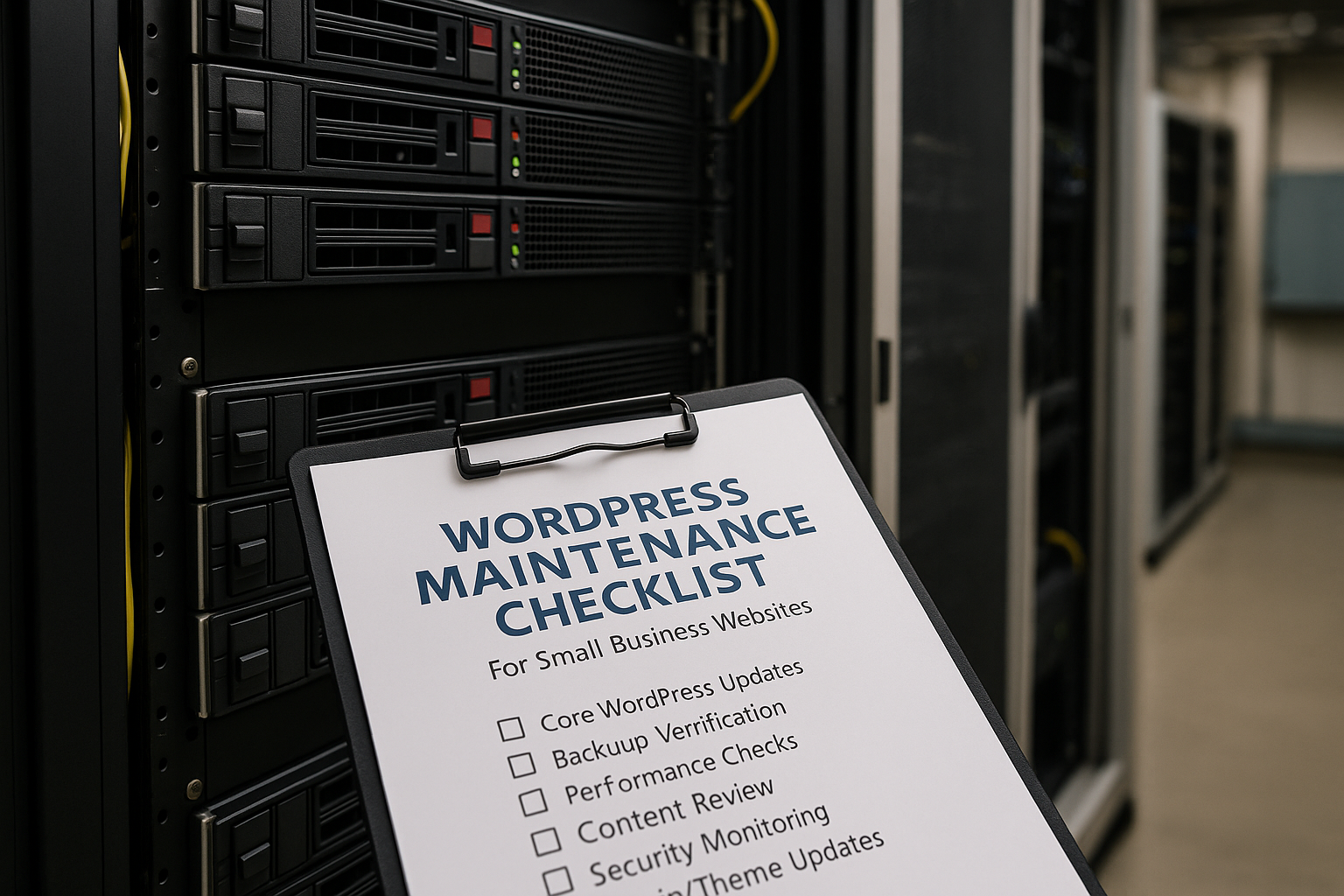
A complete maintenance routine covers technical stability, security, performance, content accuracy, and user experience. The exact schedule may vary depending on your website size and complexity, but the following checklist applies to most small business WordPress sites.
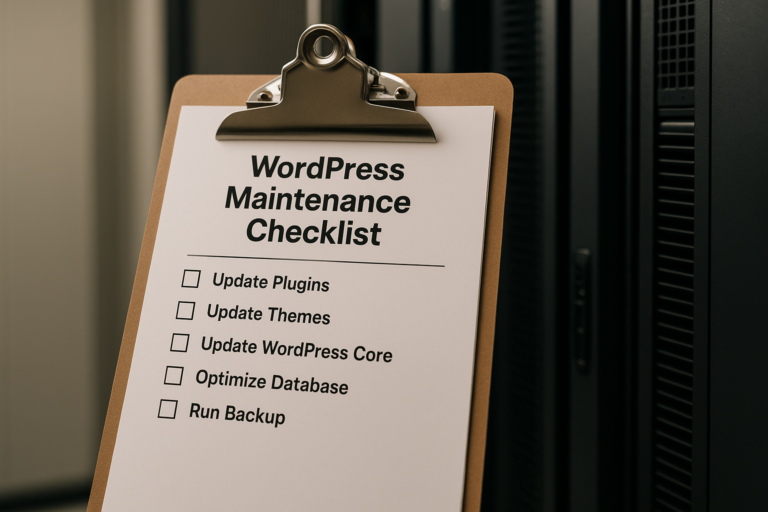
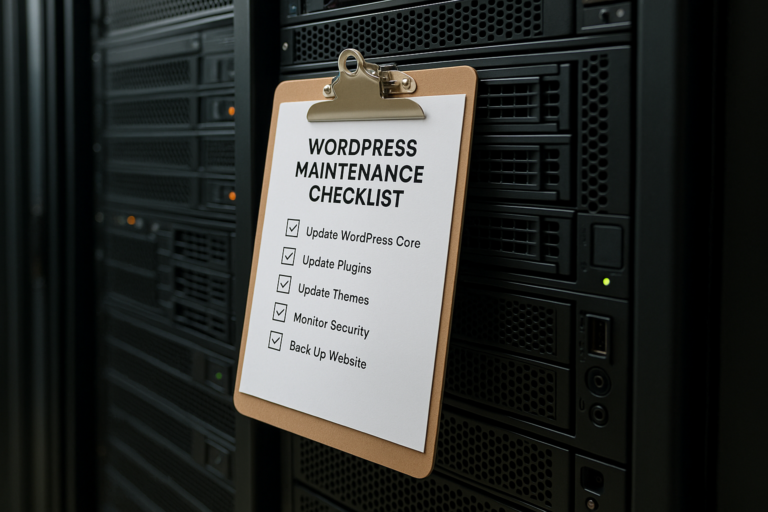
1. Update WordPress Core Safely
WordPress core updates often include security patches, bug fixes, and compatibility improvements. Running an outdated version can expose your site to unnecessary risk.
Best practices include:
- Check for WordPress core updates regularly
- Review whether the update is minor or major
- Create a backup before applying updates
- Test the website after the update is completed
- Confirm that forms, menus, page layouts, and key plugins still work
Updates should never be treated as a simple click-and-forget task on an important business website. A safe update process includes preparation, backup, and post-update testing.
2. Keep Plugins Updated
Plugins are one of the most common sources of security issues and compatibility problems in WordPress. Since many small business websites rely on plugins for forms, SEO, caching, security, scheduling, e-commerce, and design features, plugin maintenance is essential.
As part of your WordPress updates and backups process:
- Update plugins on a regular schedule
- Remove plugins that are inactive and no longer needed
- Replace abandoned plugins that are no longer maintained
- Check update changelogs for major functionality changes
- Test critical site features after updates
It is usually better to have fewer well-supported plugins than a long list of unnecessary tools that increase risk and slow down the site.
3. Update Themes and Check Design Integrity
Themes also receive updates for security, compatibility, and performance. If your business website uses a custom theme or a page builder-based theme, updates should be handled carefully to avoid design problems.
Important maintenance steps include:
- Apply theme updates after backing up the site
- Use child themes when appropriate for customizations
- Review key pages after updates to confirm layout consistency
- Check mobile responsiveness on different screen sizes
A maintenance checklist should always include visual review, not just technical updating.
4. Run and Verify Website Backups
Backups are one of the most important parts of any WordPress maintenance checklist. A backup is your safety net if a plugin update fails, a site is hacked, a server issue occurs, or content is accidentally deleted.
A reliable backup process should include:
- Automatic scheduled backups
- Backups of both website files and the database
- Offsite storage separate from the live hosting account
- Backup retention for multiple restore points
- Periodic restore testing to make sure backups actually work
Many businesses assume backups are being created until they need one. The smarter approach is to verify backup success routinely.
5. Follow a WordPress Security Checklist
Security maintenance should be a standing priority for every business website. Small business sites are frequent targets because they often run outdated software or use weak login practices.
A practical WordPress security checklist includes:
- Use strong passwords for all admin users
- Enable two-factor authentication when possible
- Limit login attempts
- Remove unused admin accounts
- Keep plugins, themes, and core updated
- Run malware scans
- Monitor for file changes or suspicious activity
- Use SSL so the site loads securely over HTTPS
- Review user roles and permissions
- Use a reputable security plugin or server-level protection
If your website processes forms, appointments, customer data, or e-commerce transactions, ongoing security monitoring becomes even more important.
6. Check Uptime and Functionality
Your website may appear online but still have broken functions that affect leads and conversions. A monthly or biweekly maintenance review should include hands-on testing of your most important business features.
Test items such as:
- Contact forms
- Quote request forms
- Booking or scheduling tools
- Phone links on mobile devices
- Email notification delivery
- Checkout process for WooCommerce stores
- Navigation menus and internal links
- Downloadable files and PDFs
For example, if a customer fills out a service request form and the message never reaches your inbox, that is not just a website problem. It is a lost business opportunity.
7. Monitor Website Speed and Performance
Website speed affects user experience, conversion rates, and search visibility. Slow websites create friction, especially on mobile devices, where many small business visitors first discover a company.
Performance maintenance should include:
- Testing page speed regularly
- Compressing and properly sizing images
- Removing unnecessary scripts and plugins
- Using caching and content delivery improvements when appropriate
- Checking hosting performance
- Optimizing the database periodically
Speed issues often build gradually over time as plugins are added, media libraries grow, and pages become more complex. Ongoing review helps prevent that slow decline.
8. Review Mobile Experience
Most small business websites now receive a large share of traffic from smartphones. Mobile issues can easily hurt conversions even when the desktop version looks fine.
As part of website maintenance for small business, review:
- Text readability on smaller screens
- Button size and tap spacing
- Menu usability
- Form functionality on mobile devices
- Page speed on cellular connections
- Layout issues caused by updates or new content
A website that is technically online but frustrating on mobile can quietly reduce calls, form submissions, and appointment requests.
9. Audit Broken Links and Site Errors
Broken links create a poor experience and can weaken trust. They may also prevent users from reaching service pages, PDFs, galleries, or conversion pages.
Maintenance checks should include:
- Scanning for broken internal links
- Checking important outbound links
- Reviewing 404 errors
- Fixing redirects after page changes
- Updating links in menus, footers, and calls to action
This is especially important after redesigns, content restructuring, or plugin changes.
10. Review Content for Accuracy
Technical maintenance is only part of the picture. Business information must also stay current. Outdated content can make a company look neglected even if the website is functioning correctly.
Review pages for:
- Correct business hours
- Current services and pricing structure if listed
- Accurate team information
- Working phone numbers and email addresses
- Updated service areas
- Fresh testimonials, case studies, or portfolio samples where relevant
A small business website should reflect the current state of the business, not how it looked two years ago.
11. Check SEO Health
SEO is affected by maintenance more than many business owners realize. Technical issues, slow loading, duplicate pages, broken links, indexing problems, and poor mobile performance can all hurt search visibility.

Routine SEO maintenance includes:
- Checking page titles and meta descriptions
- Reviewing crawl errors in Google Search Console
- Confirming XML sitemaps are functioning
- Monitoring indexing status
- Checking for missing image alt text on key pages
- Reviewing structured heading use
- Making sure redirects are correctly configured
For service businesses that depend on organic traffic, technical maintenance and SEO health are closely connected.
12. Review Analytics and Conversion Tracking
Website maintenance should also include performance visibility. If tracking tools are broken, you may lose insight into where leads come from and which pages are performing best.
Important checks include:
- Confirm Google Analytics is still collecting data
- Verify form submissions or phone click events if tracked
- Check landing page performance trends
- Review top exit pages and unusual traffic drops
This can help identify hidden problems. For example, if traffic remains stable but lead volume drops, a broken form or page issue may be the cause.
Suggested Maintenance Schedule
Not every task needs to be done daily, but every important area should have a schedule. A simple framework for small business websites might look like this:
Weekly
- Check uptime and basic site functionality
- Review security alerts
- Confirm backups are completing
- Look for plugin or core updates
Monthly
- Apply updates carefully
- Test forms and conversion paths
- Review mobile usability
- Scan for broken links
- Check page speed and database health
- Review security settings and user accounts
Quarterly
- Audit content accuracy
- Review SEO health and indexing
- Evaluate plugin necessity
- Test backup restoration
- Assess design and user experience improvements
Higher-traffic sites, e-commerce stores, and websites with frequent content changes may need more frequent maintenance.
Common WordPress Maintenance Mistakes to Avoid
Even well-intentioned website owners sometimes create bigger issues by handling maintenance inconsistently or without a process. Common mistakes include:
- Updating plugins without taking a backup first
- Ignoring theme and core updates for long periods
- Installing too many plugins
- Assuming hosting company backups are enough on their own
- Failing to test forms after updates
- Using weak passwords or shared admin logins
- Leaving unused plugins and users in place
- Only checking the homepage instead of critical inner pages
The goal of maintenance is not just activity. It is reliable prevention, verification, and improvement.
When a Small Business Should Consider Professional Maintenance
Some small business owners handle website maintenance themselves, while others prefer to outsource it. Professional support often makes sense when the website directly generates leads, includes e-commerce, relies on many plugins, or has custom functionality.
Professional maintenance can be especially valuable when:
- Your website is essential to daily business operations
- You do not have time to monitor updates and issues
- You want someone to troubleshoot problems quickly
- You need regular backups, security monitoring, and performance checks
- Your site uses advanced WordPress tools or custom development
For many businesses, outsourcing maintenance reduces risk and gives peace of mind while allowing the owner or staff to stay focused on operations, sales, and customer service.
Final Thoughts
A strong website is never truly finished. It requires consistent attention to stay secure, current, and effective. A smart WordPress maintenance checklist helps small businesses protect their online presence, support search visibility, maintain customer trust, and reduce the chance of costly surprises.
By staying on top of WordPress updates and backups, following a reliable WordPress security checklist, monitoring performance, and reviewing user experience regularly, businesses can keep their websites working as valuable long-term assets rather than neglected liabilities.
For any company that depends on its site to generate calls, leads, appointments, or sales, consistent website maintenance for small business is not optional. It is part of running a professional and dependable online presence.