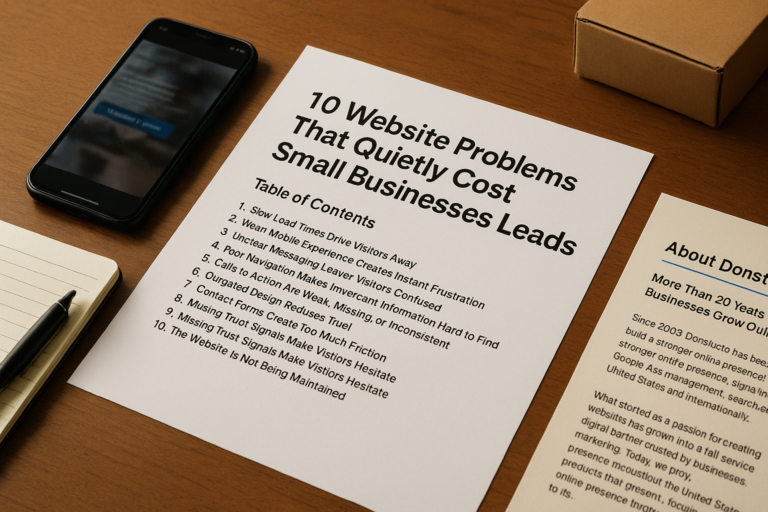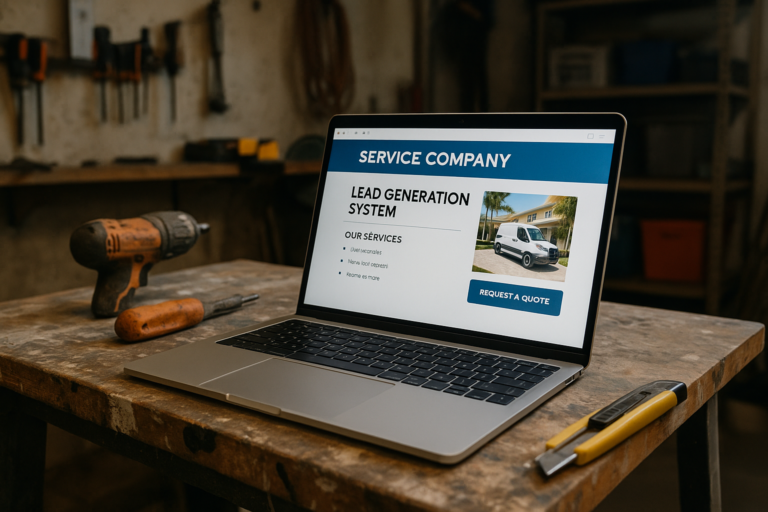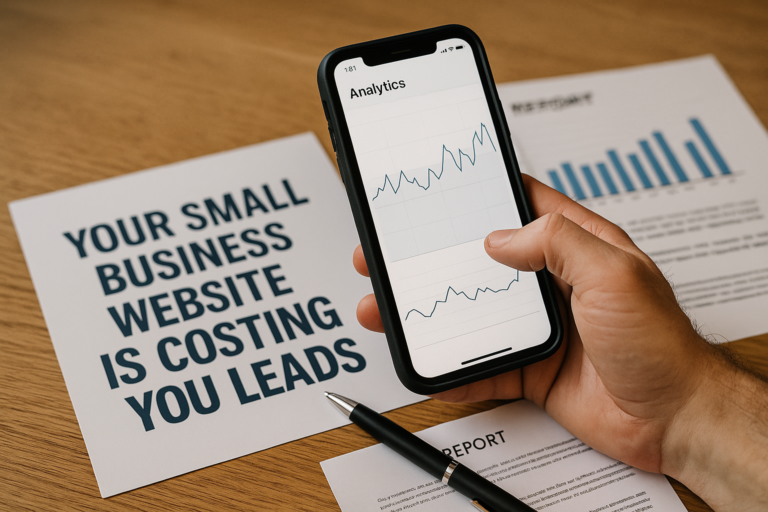
Many small business owners assume that if their website looks professional, it should naturally generate leads. In reality, a website can be visually appealing and still perform poorly. If you have traffic coming in but very few calls, form submissions, quote requests, or appointments, the problem is usually not visibility alone. The problem is conversion.
Understanding why your small business website is not converting is the first step toward improving results. In many cases, the issues are fixable. A few strategic changes in messaging, design, speed, trust signals, and user experience can have a measurable impact on lead generation.
This guide explains 11 of the most common small business website mistakes that hurt conversions and what you can do to correct them. Whether you want more contact form submissions, more booked consultations, or simply more qualified leads, these website conversion optimization principles can help.
1. Your Value Proposition Is Not Clear
When a visitor lands on your website, they should immediately understand three things:
- What your business does
- Who you help
- Why someone should choose you
If your homepage is vague, overly creative, or full of generic phrases like “innovative solutions” or “quality service,” visitors may leave without taking action. People make fast decisions online. If they cannot quickly identify whether your business is relevant to their needs, they often move on.
How to fix it
Use a clear headline and supporting text near the top of the page that explains your services in plain language. For example, instead of a broad statement, say exactly what you offer and what problem you solve. Strong website conversion optimization starts with clear communication.
Your main message should be obvious within seconds, especially on mobile devices where space is limited and attention spans are short.
2. Your Website Loads Too Slowly
Speed has a direct effect on conversion rates. A slow website frustrates visitors, increases bounce rates, and reduces trust. Even if your content is strong, people may leave before they see it.
Small business websites often become slow because of oversized images, bloated themes, excessive plugins, poor hosting, or unoptimized code. In some cases, website owners do not realize performance has declined over time as updates and new features are added.
How to fix it
Improve performance by compressing images, removing unnecessary plugins, using quality hosting, enabling caching, and optimizing scripts and styles. Test your website on desktop and mobile, because mobile performance often reveals problems that are easy to miss on a fast office connection.
If you want to know how to get more leads from a website, speed should be near the top of your list. Faster websites keep visitors engaged long enough to take action.
3. Your Mobile Experience Is Weak
Most small business traffic now comes from smartphones. If your website is difficult to use on mobile, you are likely losing leads every day. Common issues include tiny text, buttons that are too close together, layouts that break on smaller screens, forms that are difficult to complete, and popups that cover important content.
A website may appear acceptable on desktop while creating friction on mobile. Since many users first discover businesses on their phones, that first experience matters.
How to fix it
Review every key page on multiple screen sizes. Make sure navigation is simple, text is readable, forms are short, and calls to action are easy to tap. Phone numbers should be clickable. Important content should appear early without forcing users to scroll endlessly.
Strong mobile usability is no longer optional. It is a core part of website conversion optimization for any business serving customers across the United States.
4. Your Calls to Action Are Weak or Inconsistent
Visitors should never have to guess what to do next. If your website does not guide them clearly, many will leave without converting.
Some websites hide their call to action, use unclear button text, or overwhelm users with too many choices. Others place a contact form on one page, a phone number on another, and no obvious next step on service pages. This creates confusion and reduces momentum.
How to fix it
Use clear, action-oriented calls to action throughout the site. The right wording depends on your business, but examples include “Request a Quote,” “Schedule a Consultation,” “Call Now,” or “Get Started.”
Place calls to action where users naturally need them:
- Near the top of important pages
- After explaining a service
- At the end of key sections
- In the header or sticky navigation when appropriate
Consistency matters. Make it easy for visitors to understand the next step and repeat that path across the site.
5. Your Website Looks Outdated or Untrustworthy
Design affects credibility. Visitors often judge a business within seconds based on visual presentation alone. An outdated site can create doubt even if your company provides excellent service.
Warning signs include old-fashioned layouts, inconsistent branding, stock images that feel generic, poor spacing, hard-to-read text, broken elements, and pages that do not feel polished. Trust is fragile online, and people are less likely to contact a business if the website seems neglected.
How to fix it
Invest in a clean, modern, user-focused design. Make sure fonts are readable, colors are consistent, and layouts feel organized. Remove clutter and update visuals that no longer represent your business well.
This does not mean your site needs to be flashy. In many industries, professional simplicity converts better than complicated design. A website should feel current, credible, and easy to use.
6. You Are Not Building Enough Trust
Even interested visitors often hesitate before contacting a business. They want reassurance that you are legitimate, experienced, and capable. If your site gives too little evidence, people may leave to compare competitors.
Trust issues are one of the most overlooked small business website mistakes. Businesses sometimes focus heavily on describing services but forget to show why they can be trusted.
How to fix it
Add trust-building elements across the site where they support decision-making, such as:
- Testimonials
- Case studies or project examples
- Before-and-after examples when appropriate
- Clear business information
- Professional team or company background
- Secure contact forms and HTTPS
- Recognizable tools, platforms, or partner badges when relevant
Trust signals should feel authentic and relevant, not forced. The goal is to reduce uncertainty and help visitors feel comfortable taking the next step.
7. Your Navigation Is Confusing
If visitors cannot find what they need quickly, they often leave. Navigation problems are a major reason why your small business website is not converting, especially when service information is buried or menu structures are cluttered.
Common issues include too many menu items, vague page labels, duplicate pathways, confusing dropdowns, and important pages that are difficult to reach. When users feel lost, conversion drops.
How to fix it
Simplify your navigation and organize it around how customers think, not how your business is internally structured. Use clear labels such as Services, About, Contact, Pricing, or Industries if applicable. Make sure every important page is easy to reach in just a few clicks.
Your website should guide visitors naturally from discovery to decision. Cleaner navigation supports that journey.
8. Your Service Pages Do Not Answer Real Buyer Questions
Many service pages are too short, too broad, or too focused on the business rather than the customer. If a visitor lands on a service page and still does not understand what is included, who it is for, how it works, or why it matters, conversion is unlikely.
This is especially common on small business sites with thin content that says very little beyond the service name.
How to fix it
Create service pages that answer practical questions and remove hesitation. Include details such as:
- What the service includes
- Who it is designed for
- Common problems it solves
- What makes your approach different
- What the next step looks like
Use clear formatting, subheadings, bullet points, and concise explanations. Good content helps both search visibility and conversion. It is easier to get more leads from a website when each service page works like a focused sales conversation.
9. Your Forms Are Too Long or Frustrating
Every extra field in a form creates friction. If your contact form asks for too much information too soon, users may abandon it. This is particularly true on mobile devices, where form completion takes more effort.
Businesses sometimes try to gather every possible detail up front, but that often reduces total lead volume.
How to fix it
Ask only for the information you actually need to start the conversation. In many cases, a name, email, phone number, and short message are enough. If your process requires more detail, consider collecting it later.
Also review the usability of the form itself:
- Are fields easy to tap on mobile?
- Are labels clear?
- Does the form work properly?
- Is the submit button easy to find?
- Do users receive a clear confirmation after submission?
Reducing friction is one of the simplest forms of website conversion optimization.
10. You Are Getting the Wrong Traffic
Sometimes the website is not the only issue. If your traffic is unqualified, conversion rates will naturally be low. A business might attract visitors who are researching, looking for something different, outside the service area, or not ready to buy.
This often happens when SEO targets overly broad terms, ad campaigns send users to the wrong pages, or content attracts informational traffic without a path toward a business inquiry.
How to fix it
Review where your visitors are coming from and whether those channels align with your business goals. Match search intent to landing page intent. For example, someone searching for a specific service should land on a page that clearly addresses that service, not a generic homepage.
If you run advertising, make sure the ad message matches the landing page content and call to action. Higher-quality traffic combined with a stronger landing experience usually leads to better results.
11. You Are Not Tracking What Users Do
Many businesses try to improve lead generation without enough data. They redesign pages, change headlines, or adjust forms based on guesswork alone. Without tracking user behavior and conversions, it is difficult to know what is helping or hurting performance.
If you do not know where visitors drop off, which pages convert best, or which traffic sources generate leads, optimization becomes much harder.
How to fix it
Set up proper analytics and conversion tracking. At a minimum, track important actions such as:
- Contact form submissions
- Phone clicks
- Appointment requests
- Quote requests
- Key landing page performance
Review behavior regularly. Look for pages with high traffic but low engagement, pages with strong engagement but weak conversion, and forms with abandonment issues. Even simple data can reveal where improvement opportunities exist.
Important Considerations Before You Redesign Everything
When conversion rates are disappointing, many business owners assume they need a completely new website. Sometimes that is true, but often it is not the first or best solution.
Before rebuilding from scratch, evaluate whether the biggest issues are related to messaging, calls to action, page structure, speed, mobile usability, or trust signals. In many cases, strategic improvements to the existing site can produce meaningful gains without a full redesign.
It is also important to remember that conversion optimization is not a one-time task. Customer expectations change. Search behavior changes. Devices change. Your business itself changes. Websites perform best when they are reviewed, updated, and improved continuously over time.
What Better Conversion Can Mean for a Small Business
When business owners think about growth online, they often focus first on getting more traffic. Traffic matters, but conversion matters just as much. A website that converts better can increase leads without requiring the same level of additional advertising or SEO investment.
Improving conversion can lead to benefits such as:
- More qualified inquiries
- Better return on ad spend
- Higher value from existing traffic
- Stronger trust with prospective customers
- More consistent lead generation
That is why understanding why your small business website is not converting is so valuable. It helps shift the focus from simply attracting visitors to turning them into real opportunities.
Conclusion
If your website is not generating the calls, inquiries, or form submissions you expected, the problem is rarely just one thing. More often, it is a combination of small issues that create friction, confusion, or doubt during the decision-making process.
Clear messaging, faster load times, better mobile usability, stronger trust signals, cleaner navigation, more useful service pages, simpler forms, better traffic alignment, and proper tracking can all improve results. These are not just technical adjustments. They are practical steps that help real people feel confident enough to contact your business.
For small businesses across the United States, website conversion optimization is one of the most effective ways to get more leads from a website without relying only on more traffic. When a website is built to inform, guide, and reassure visitors, it becomes much more than an online brochure. It becomes a true business tool.