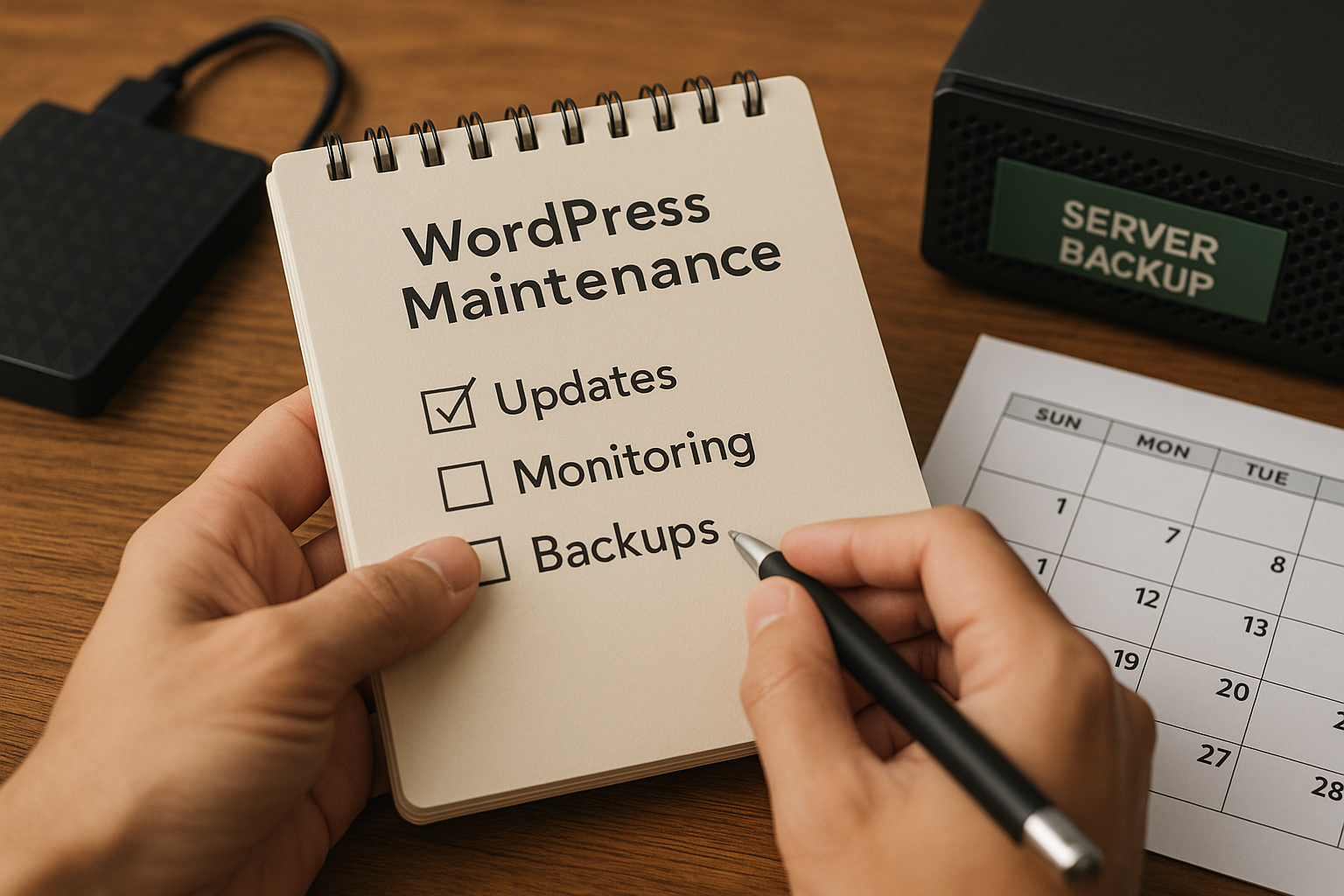
For many small businesses, a website is not a one-time project. It is an ongoing business tool that helps generate leads, build trust, answer customer questions, and support marketing efforts every day. Once a WordPress website is live, it still needs regular attention to remain secure, fast, functional, and effective.
That is where monthly website maintenance becomes essential. WordPress is a powerful platform, but it depends on a combination of core software, themes, plugins, hosting, security tools, and backups. If those pieces are ignored for too long, even a good website can develop problems such as broken forms, slow performance, malware infections, compatibility issues, or failed updates.
For business owners, the challenge is not simply knowing that maintenance matters. It is knowing what should actually be checked each month. This guide explains the essentials of WordPress maintenance for small business websites, including what to update, what to monitor, what to back up, and why a reliable website support plan can reduce risk and save time.
Why Monthly Website Maintenance Matters
Small business websites often support important actions such as phone calls, quote requests, appointment bookings, online purchases, and contact form submissions. When the site has a technical issue, the impact is not just cosmetic. It can affect revenue, customer trust, and marketing performance.
Monthly maintenance helps reduce those risks by keeping the site aligned with current software versions, security practices, and performance expectations. It also makes problems easier to catch early, before they become expensive emergencies.
Regular maintenance is especially important because WordPress websites change over time. Plugins release updates. Hosting environments are adjusted. Browsers evolve. Search engines raise expectations for page speed and mobile usability. Security threats become more sophisticated. A website that worked perfectly six months ago may now have hidden issues if nobody is checking it consistently.
What to Update Each Month
Updates are one of the most important parts of monthly website maintenance. They often include security patches, bug fixes, feature improvements, and compatibility changes. However, updates should be handled carefully rather than applied blindly to a live website with no backup or testing process.
WordPress Core
WordPress itself receives ongoing updates. Some are minor security or maintenance releases, while others introduce larger changes to the platform.
Each month, the WordPress core version should be reviewed and updated if needed. Delaying core updates for too long can increase security risk and create compatibility problems with plugins or themes. At the same time, it is wise to confirm that the site has a recent backup before applying major updates.
Themes
Your active theme controls the design and often part of the site’s functionality. Theme updates can patch vulnerabilities, improve compatibility, and correct layout or coding issues.
Each month, check for theme updates and confirm that the site still displays correctly after installation. This is especially important for custom themes or heavily customized designs where unexpected styling issues may appear after an update.
Plugins
Plugins are often the most common source of both functionality and risk on a WordPress website. Contact forms, SEO tools, security tools, backups, caching, page builders, e-commerce features, and analytics integrations frequently rely on plugins.
Monthly plugin review should include:
- Installing available updates
- Removing plugins that are no longer needed
- Checking whether any plugins are abandoned or unsupported
- Confirming that updated plugins still work correctly
Unused plugins should not remain installed simply because they are deactivated. If they are not needed, they should usually be removed to reduce clutter and security exposure.
PHP Version and Hosting Environment
Many business owners focus only on WordPress dashboard updates and forget the server environment behind the website. PHP, database versions, SSL settings, caching tools, and hosting configurations also affect performance and security.
Each month, it is helpful to confirm that the hosting environment remains current and stable. While not every server setting changes monthly, checking for hosting notices, deprecated software, SSL certificate issues, or server-side errors can prevent bigger problems later.
What to Monitor Each Month
Updating software is only one part of a proper maintenance routine. A website can be fully updated and still have serious issues. That is why monitoring matters just as much as updating.
Website Uptime
If the site goes offline and nobody notices, potential customers may be met with an error page instead of your business. Uptime monitoring helps identify outages quickly so they can be addressed before they cause prolonged disruption.
Even brief downtime can hurt lead generation, ad performance, and customer confidence. For small businesses running paid traffic or relying on website inquiries, this is especially important.
Form Submissions and Lead Flow
One of the most overlooked website checks is verifying that forms actually work. A contact form may appear normal on the front end while failing silently due to email delivery issues, spam filtering changes, plugin conflicts, or server misconfiguration.
Each month, test key lead-generation features such as:
- Contact forms
- Quote request forms
- Appointment booking forms
- Newsletter signup forms
- E-commerce checkout or inquiry forms
A broken form can cost business without making any obvious visual change to the website.
Security Alerts and Suspicious Activity
WordPress backup and security should always be addressed together. A website may look normal while hidden malware, unauthorized login attempts, spam injections, or file changes occur behind the scenes.
Monthly monitoring should include reviewing:
- Login activity
- Security plugin alerts
- File change detection notices
- Malware scan results
- Firewall events, if available
The goal is to catch warning signs early. Preventive security is much easier than recovering from a hacked website.
Site Speed and Performance
Website speed affects user experience, search visibility, and conversion rates. Over time, sites can become slower due to bloated plugins, large images, script conflicts, poor caching, database overhead, or hosting limitations.
Each month, review overall performance by checking:
- Load speed on desktop and mobile
- Large media files or unoptimized images
- Caching behavior
- Core Web Vitals trends
- Slow pages or scripts
A gradual slowdown may not be obvious to someone who visits the site often, but new visitors notice it quickly.
Broken Links and Page Errors
Broken links create frustration and can damage trust. They can also affect SEO if important pages return errors or redirect incorrectly.
Monthly checks should look for:
- 404 errors
- Broken internal links
- Outdated external links
- Missing images or documents
- Redirect loops or incorrect page redirects
This matters especially for websites that publish blog content, update service pages regularly, or change URLs during redesigns.
Search Visibility and Indexing Issues
Business owners do not need a full SEO audit every month, but they should monitor whether the website is visible and healthy in search results.
Basic monthly SEO monitoring may include checking:
- Google Search Console alerts
- Indexing errors
- Manual action notices
- Sudden traffic drops
- Important page ranking changes
If a page disappears from search or technical errors block crawling, prompt action can limit the impact.
What to Back Up Each Month
Backups are one of the most critical parts of WordPress backup and security. Without a reliable backup, even a minor mistake can turn into a major disruption. A failed update, hacked plugin, accidental deletion, or hosting issue can make restoration difficult or impossible if no clean backup exists.
At minimum, small businesses should make sure the website backup system is active, recent, and tested.
Files
Website files include your theme, plugins, uploads, and core WordPress files. Media libraries often represent years of business assets, including images, PDFs, logos, and downloadable documents.
Monthly maintenance should confirm that file backups are being created successfully and stored properly.
Database
The database contains posts, pages, settings, form entries, user accounts, WooCommerce data, and much of the content that powers the site. A site without a current database backup may be impossible to restore accurately.
Monthly review should confirm that database backups are current and recoverable.
Offsite Backup Storage
Backups should not live only on the same server as the website. If the server fails or is compromised, local backups may be lost too. Strong backup routines typically include offsite storage in a separate cloud location or backup system.
The key monthly question is not just, “Are backups running?” It is, “Could this website actually be restored if needed?”
Restore Testing
A backup is only as useful as its ability to restore the website. Businesses do not necessarily need to perform a full restoration every month, but they should have confidence that the backup process works and that recovery steps are documented.
That confidence becomes invaluable during emergencies, especially when time matters.
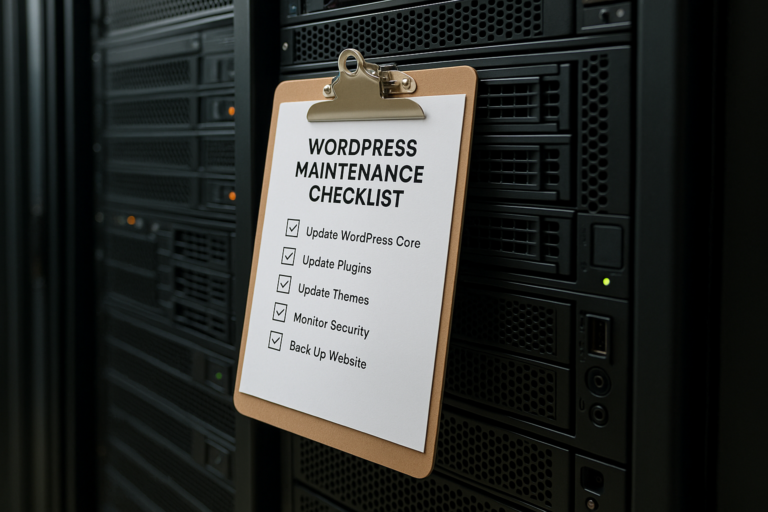
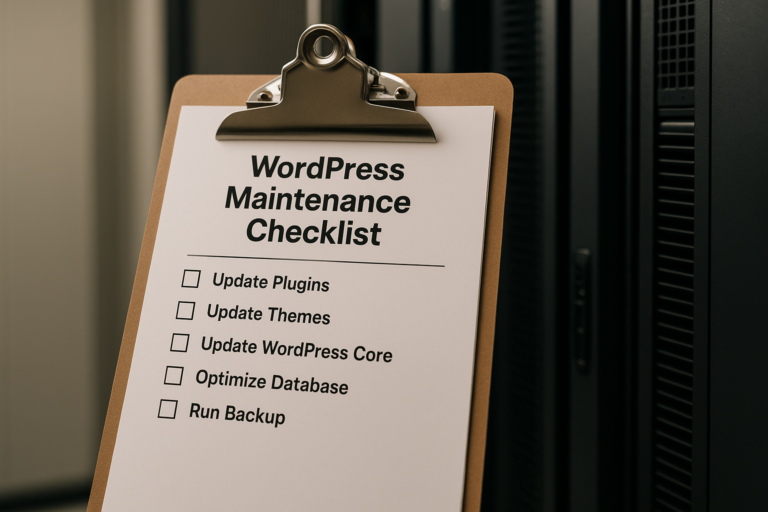
A Practical Monthly WordPress Maintenance Checklist
For many small businesses, the easiest way to approach maintenance is through a simple monthly routine. A typical checklist may include:
- Update WordPress core
- Update themes and plugins
- Check for plugin conflicts or display issues
- Confirm backups completed successfully
- Verify offsite backup storage
- Review security alerts and malware scans
- Test forms and conversion actions
- Monitor uptime and server status
- Review speed and performance
- Check for broken links and page errors
- Review Search Console or analytics warnings
- Remove outdated plugins, users, or unnecessary files
The exact process will vary depending on whether the site is a brochure website, lead-generation site, membership platform, or WooCommerce store. However, every business website benefits from having a repeatable system rather than reacting only when something breaks.
Important Considerations for Small Businesses
Do Not Treat All Updates the Same
Some updates are routine. Others can affect layouts, custom code, checkout flows, booking systems, or page builder features. Before major updates, it is wise to have a backup and, when possible, test changes in a staging environment.
Limit Unnecessary Complexity
Many WordPress problems begin when a site accumulates too many plugins, overlapping tools, or poorly maintained add-ons. A leaner site is usually easier to maintain, faster to load, and less likely to break.
User Access Should Be Reviewed
Monthly maintenance should include checking admin users and permissions. Former employees, unused accounts, or excessive administrator access can create unnecessary security risk.
Content Accuracy Matters Too
Technical maintenance is critical, but content should not be ignored. Outdated phone numbers, old service information, expired offers, or inaccurate team pages can make a business appear neglected even if the website is technically sound.
For many businesses, monthly maintenance is a good time to review key pages for accuracy and relevance.
When a Website Support Plan Makes Sense
Some small business owners handle updates themselves. Others prefer to delegate maintenance to a professional through a website support plan. That choice often depends on time, comfort level, and how important the website is to daily operations.
A support plan can be especially valuable when:
- The website generates leads or online sales regularly
- The business uses many plugins or custom features
- Downtime would affect revenue or customer trust
- No one internally has time to manage technical tasks
- The business wants ongoing support instead of emergency fixes only
The advantage of a structured plan is consistency. Instead of waiting for a problem, updates, monitoring, backups, and troubleshooting happen on an ongoing basis. This often reduces stress and makes long-term website ownership more predictable.
It also gives business owners a clearer process when they need help with content edits, performance issues, plugin conflicts, or security concerns. Rather than searching for a new developer during a crisis, they already have support in place.
Common Risks of Ignoring Monthly Maintenance
When maintenance is postponed repeatedly, problems often build quietly in the background. A site may still appear fine on the surface while vulnerabilities, compatibility issues, and performance declines develop underneath.
Common consequences include:
- Security breaches or malware infections
- Broken forms and lost leads
- Slow loading pages
- Plugin conflicts after delayed updates
- Site crashes during major version changes
- Lost content due to missing backups
- Higher repair costs from preventable issues
In many cases, the cost of neglect is greater than the cost of steady maintenance. A small issue handled early may take minutes. The same issue discovered months later may require extensive troubleshooting or emergency recovery.
Conclusion
WordPress gives small businesses a flexible and powerful website platform, but it performs best when it is maintained consistently. Effective WordPress maintenance for small business websites includes more than software updates. It also means monitoring uptime, speed, forms, security alerts, backups, and overall site health on a regular basis.
A reliable monthly website maintenance routine helps protect your website as a business asset. It reduces the risk of downtime, security problems, broken functionality, and lost leads. It also keeps the site ready to support marketing efforts, customer trust, and long-term growth.
Whether maintenance is handled internally or through a professional website support plan, the important thing is having a consistent process in place. Updating, monitoring, and backing up your site each month is one of the simplest ways to keep your WordPress website secure, dependable, and ready to support your business.