Your website is one of the most important business tools you own. It helps customers learn about your services, compare you to competitors, request quotes, schedule appointments, and decide whether your company looks trustworthy enough to contact.
But a WordPress website is not something you launch once and ignore. It runs on software that changes constantly. WordPress core updates are released, plugins evolve, security threats shift, hosting environments change, and performance can gradually decline if nobody is paying attention.
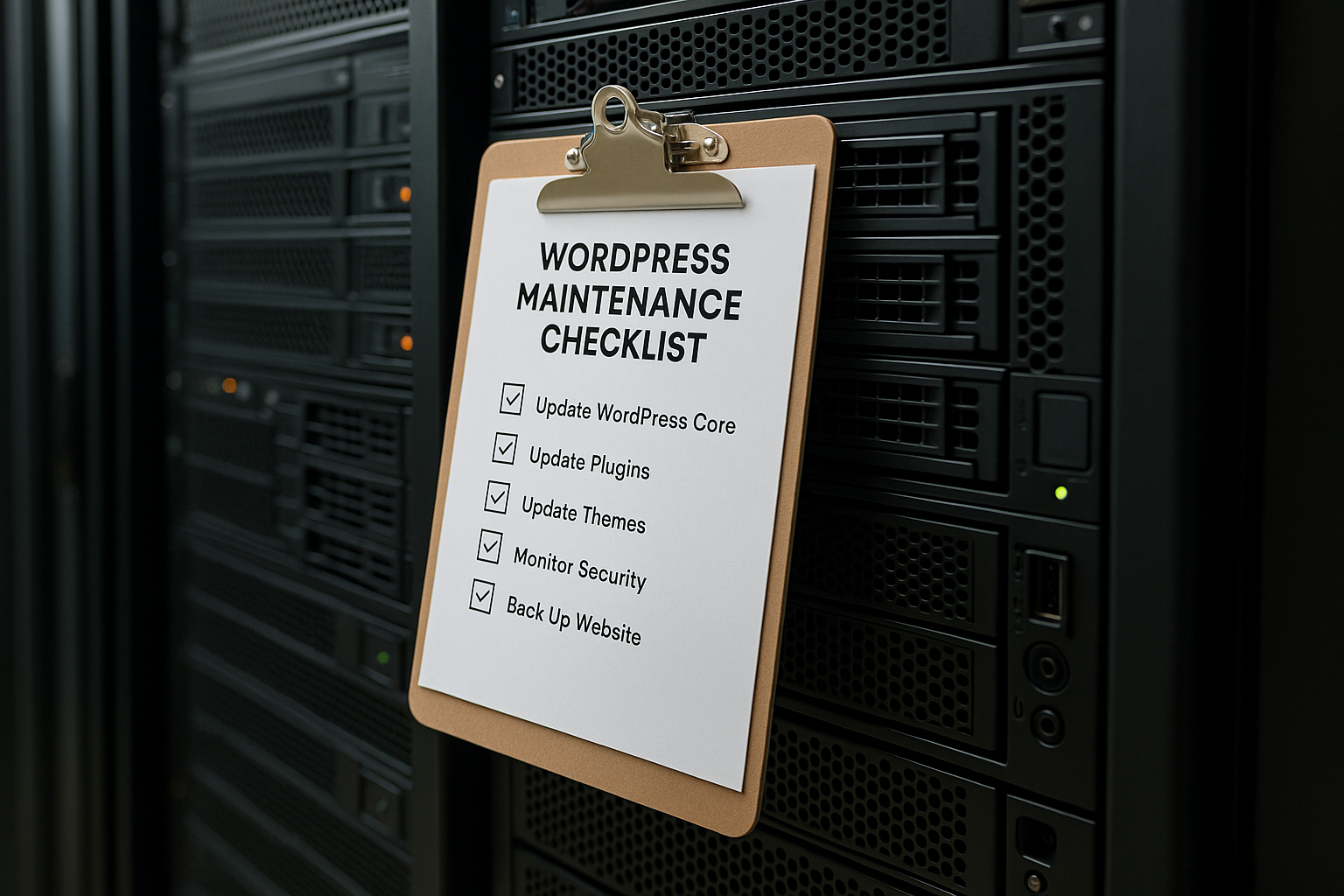
That is why having a clear WordPress maintenance checklist for small business websites matters. Monthly maintenance helps prevent avoidable problems before they turn into downtime, broken forms, security issues, slow page speeds, or lost leads.
For many small businesses across the United States, the goal is not to become technical experts. The goal is to keep the website stable, secure, fast, and working properly month after month. A practical process makes that possible.
In this guide, we will walk through a smart approach to monthly WordPress maintenance, including what to update, what to monitor, and what to include in a reliable website backup and security checklist.
Why Monthly WordPress Maintenance Matters for Small Businesses
Small business websites often support critical daily operations. They may generate phone calls, online orders, appointment requests, form submissions, map visits, or quote inquiries. If the site stops working properly, business impact can happen quickly.
Regular maintenance helps reduce the risk of:
- Security vulnerabilities caused by outdated software
- Plugin conflicts that break layouts or forms
- Slow loading times that frustrate visitors
- Downtime that prevents leads from coming in
- Lost content due to failed updates or server issues
- SEO problems caused by broken pages or indexing errors
- Poor user experience on mobile devices and modern browsers
In other words, maintenance protects both website performance and business continuity. It is not just a technical task. It is part of keeping your online presence dependable.
A Practical Monthly WordPress Maintenance Checklist
The most effective maintenance plans are consistent and methodical. Instead of waiting for something to break, review the same core areas every month: updates, backups, security, performance, functionality, and visibility.
1. Update WordPress Core Carefully
WordPress core updates often include security patches, bug fixes, compatibility improvements, and new features. Ignoring them for too long can expose your site to unnecessary risk.
Each month, review whether a WordPress core update is available. Before applying it:
- Create a fresh backup first
- Check whether your theme and plugins are compatible
- Use a staging environment if possible for more complex sites
- Test key pages and functions after updating
For a simple brochure-style site, updates may be straightforward. For websites with custom functionality, booking tools, memberships, or e-commerce features, updates should be handled more carefully.
The key is not just updating. It is updating responsibly.
2. Update Plugins and Themes
Plugins and themes are among the most common sources of WordPress vulnerabilities when left outdated. They can also create compatibility issues if they are neglected for months and then updated all at once.
As part of your monthly WordPress maintenance, review every active plugin and theme. Ask:
- Is it updated by its developer regularly?
- Is it still necessary?
- Did the recent update include security fixes?
- Does it still work correctly after updating?
It is also wise to remove unused plugins and themes. Inactive software can still create security concerns if it remains installed and outdated.
A cleaner website setup is usually easier to maintain, faster to load, and less likely to develop conflicts.
3. Confirm Backups Are Running Properly
A backup only helps if it exists, is current, and can be restored. Many site owners assume backups are happening automatically, only to discover a problem after a crash or hack.
Your monthly website backup and security checklist should include:
- Verifying that backups completed successfully
- Checking that both files and database are included
- Confirming backup frequency matches the website’s activity level
- Making sure backup copies are stored offsite
- Testing restore procedures when possible
A small informational website may need daily or weekly backups depending on how often it changes. A busy WooCommerce or lead-generation site may require more frequent backups because new orders or inquiries are constantly coming in.
The best backup strategy usually includes redundancy. For example, a hosting-level backup plus an independent remote backup creates extra protection.
4. Run Security Checks
Website security should never be treated as a one-time setup. Threats evolve, login attempts continue, and outdated components may create new weaknesses over time.
Monthly security maintenance should include:
- Reviewing security plugin alerts or server-level logs
- Checking for malware warnings or file changes
- Confirming firewall and login protection are active
- Reviewing user accounts and removing unnecessary access
- Making sure admin passwords are strong and updated when needed
- Verifying SSL is active and the site loads securely over HTTPS
If multiple staff members or contractors have had access to the website over time, it is especially important to review user roles. Unused administrator accounts should be removed. Each user should have only the access level they actually need.
Good security is not based on one feature. It is built through layers.
5. Test Forms, Checkout, and Key Conversion Paths
One of the most overlooked maintenance tasks is checking whether important website functions still work. A contact form can fail silently. A checkout page can break after an update. A quote request button can stop sending emails.
Every month, test your most important conversion actions, such as:
- Contact forms
- Quote request forms
- Appointment scheduling tools
- Phone links on mobile
- Checkout pages
- Payment gateways
- Email notifications
- Live chat or chatbot features
This matters because technical issues often go unnoticed until leads have already been lost. A five-minute test can prevent weeks of missed opportunities.
For example, if a law firm depends on consultation request forms or a contractor relies on estimate requests, even a brief outage can directly affect revenue.
6. Review Website Speed and Performance
Performance affects user experience, lead generation, and search visibility. If your site becomes slow over time, visitors are more likely to leave before taking action.
Monthly performance reviews should include checking:
- Page load speed on desktop and mobile
- Image optimization
- Caching behavior
- Database bloat
- Unnecessary scripts or plugin load
- Core Web Vitals trends where available
You do not have to run a complete rebuild every month, but you should watch for performance decline. New plugins, larger media files, third-party scripts, and outdated settings can gradually make a website heavier.
Useful maintenance steps may include clearing cache, optimizing the database, compressing oversized images, removing unused plugins, or reviewing external scripts such as chat widgets, tracking codes, or embedded tools.
Speed is not just a technical metric. It shapes the first impression people have of your business.
7. Check for Broken Links and Display Errors
Broken links make a website feel neglected and can damage trust. They can also interfere with SEO and navigation.
As part of a monthly review, look for:
- Broken internal links
- Broken external links
- Missing images
- 404 errors
- Layout issues on important pages
- Mobile display problems
- Browser compatibility issues
Pay close attention to top-traffic pages, service pages, contact pages, and landing pages used in advertising campaigns. These are usually the pages where errors cost the most.
It is also smart to manually view the site on a phone. A page that looks acceptable on desktop may be difficult to use on mobile if spacing, buttons, or forms shift unexpectedly.
8. Monitor Uptime and Hosting Health
Even a well-built website can suffer from server-level issues. Hosting problems, expired resources, misconfigurations, or CDN errors may affect uptime and performance.
Monthly checks should include:
- Reviewing uptime reports if monitoring is enabled
- Checking hosting resource usage
- Confirming your domain and SSL are active
- Watching for unusual traffic spikes or server errors
- Ensuring PHP version and server software remain supported
If your website is on outdated hosting or unsupported PHP versions, stability and security can become more difficult over time. A maintenance routine should include awareness of the broader environment, not just what happens inside WordPress.
9. Review SEO and Search Visibility Basics
Website maintenance also supports visibility in search engines. A technically healthy site is easier to crawl, faster to load, and less likely to lose ranking strength due to preventable issues.
Your monthly SEO-related review may include:
- Checking Google Search Console for indexing or coverage issues
- Reviewing traffic trends in analytics
- Looking for sudden drops in visits or conversions
- Checking for broken pages or redirect problems
- Confirming title tags and meta descriptions remain intact
- Watching for duplicate or unintended noindex settings
This is not a full SEO campaign, but it is an important part of protecting the value your website already has.
If a plugin update changes a page template, a redirect breaks, or a page accidentally becomes non-indexable, your visibility can decline without obvious warning unless someone is monitoring it.
10. Clean Up Spam, Comments, and Database Clutter
Small maintenance tasks can add up. Over time, spam comments, post revisions, transients, orphaned data, and unused media can clutter the website and affect performance.
A monthly cleanup may include:
- Removing spam comments
- Deleting trashed content
- Optimizing database tables
- Reviewing unused media files where practical
- Clearing expired transients and temporary data
Not every site needs aggressive cleanup, but periodic housekeeping helps keep things efficient.
What a Good Monthly Maintenance Routine Looks Like
A strong maintenance process is not random. It follows a repeatable order so important steps are not skipped.
A simple monthly workflow often looks like this:
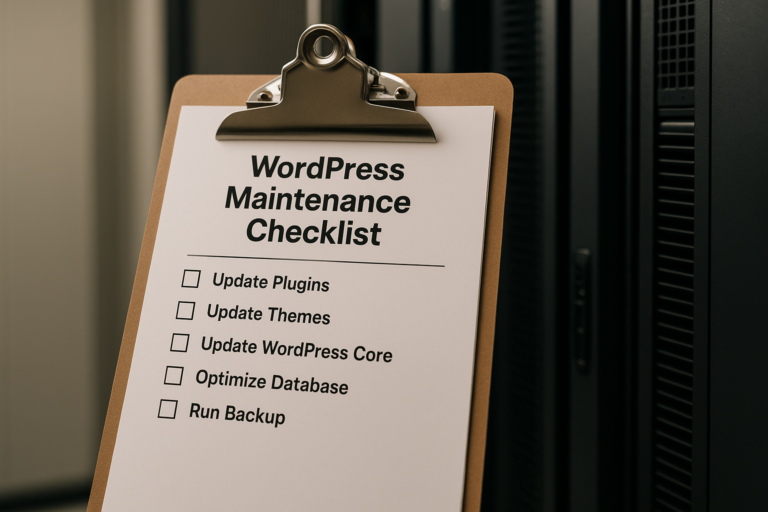
- Create and verify a fresh backup
- Apply WordPress core, plugin, and theme updates carefully
- Test forms, checkout, and other critical features
- Run security checks and review user access
- Review speed, uptime, and technical performance
- Check for broken links, display errors, and mobile issues
- Review analytics and Search Console for visibility concerns
- Document what was updated, tested, and fixed
That final step matters more than many businesses realize. Documentation creates accountability and helps identify patterns. If a certain plugin causes repeated conflicts, or performance worsens after a specific change, maintenance records make it easier to diagnose.
Important Considerations for Small Business Owners
Not Every Website Has the Same Maintenance Needs
A simple five-page website has different risks than a WooCommerce store, membership site, or booking platform. The more features your website has, the more careful maintenance becomes.
Some websites need only basic monthly attention. Others need weekly monitoring plus monthly review. The right schedule depends on:
- How often the site changes
- How many plugins it uses
- Whether it processes payments
- How important uptime is to your business
- How much traffic and lead activity it gets
Automatic Updates Are Helpful, but Not Enough
Automatic updates can improve baseline security, but they do not replace maintenance. An update can still cause a design issue, break a form, or create a plugin conflict.
That is why small business website support usually works best when it combines automation with human review. Technology can install updates, but someone still needs to verify the website is functioning correctly afterward.
Backups Must Be Restorable
This point is worth repeating because it is one of the most common misunderstandings in website management. A backup that cannot be restored is not a reliable backup.
Whenever possible, restoration testing should be part of the broader maintenance strategy, especially for websites that are important to daily business operations.
Security Is Ongoing, Not One-Time
Installing a security plugin once does not mean the website will stay secure forever. New vulnerabilities appear regularly. Login habits change. Team access changes. Software ages. Maintenance helps close those gaps before they become serious problems.
When Monthly Maintenance Becomes Essential
Some businesses can get away with minimal oversight for a while, but certain situations make regular maintenance especially important. These include websites that:
- Generate leads through forms or calls
- Support paid advertising campaigns
- Process online orders or payments
- Include appointment or booking features
- Handle sensitive customer information
- Depend on local or national search visibility
- Represent established brands where trust matters
In these cases, neglecting maintenance can lead to much higher costs later, whether through lost sales, emergency repairs, reputational damage, or rebuild work that could have been avoided.
The Value of Consistent Small Business Website Support
Many business owners do not want to spend their time checking plugins, debugging form issues, or reviewing uptime reports. They need the website to work while they focus on operations, sales, service delivery, and growth.
That is where dependable small business website support becomes valuable. Good support provides continuity. It means the website is being watched, updated, tested, and maintained by someone who understands how the site is built and which features matter most to the business.
Whether maintenance is handled internally or through a trusted website partner, the biggest benefit is consistency. Problems are caught earlier. Updates are handled more safely. Risk is reduced. The site stays more reliable over time.
Conclusion
A professional website is never truly finished. It needs ongoing attention to remain secure, fast, functional, and effective.
A strong WordPress maintenance checklist for small business websites should cover software updates, plugin and theme review, verified backups, security monitoring, performance checks, form testing, uptime monitoring, and basic SEO oversight. When these tasks are handled consistently each month, small businesses put themselves in a much better position to avoid downtime, protect customer trust, and keep their websites working as valuable business assets.
The goal of monthly WordPress maintenance is not to make things complicated. It is to create a simple, repeatable system that keeps your website healthy and dependable. For businesses that rely on their websites for leads, visibility, and credibility, that kind of ongoing care is not optional. It is part of protecting the business itself.