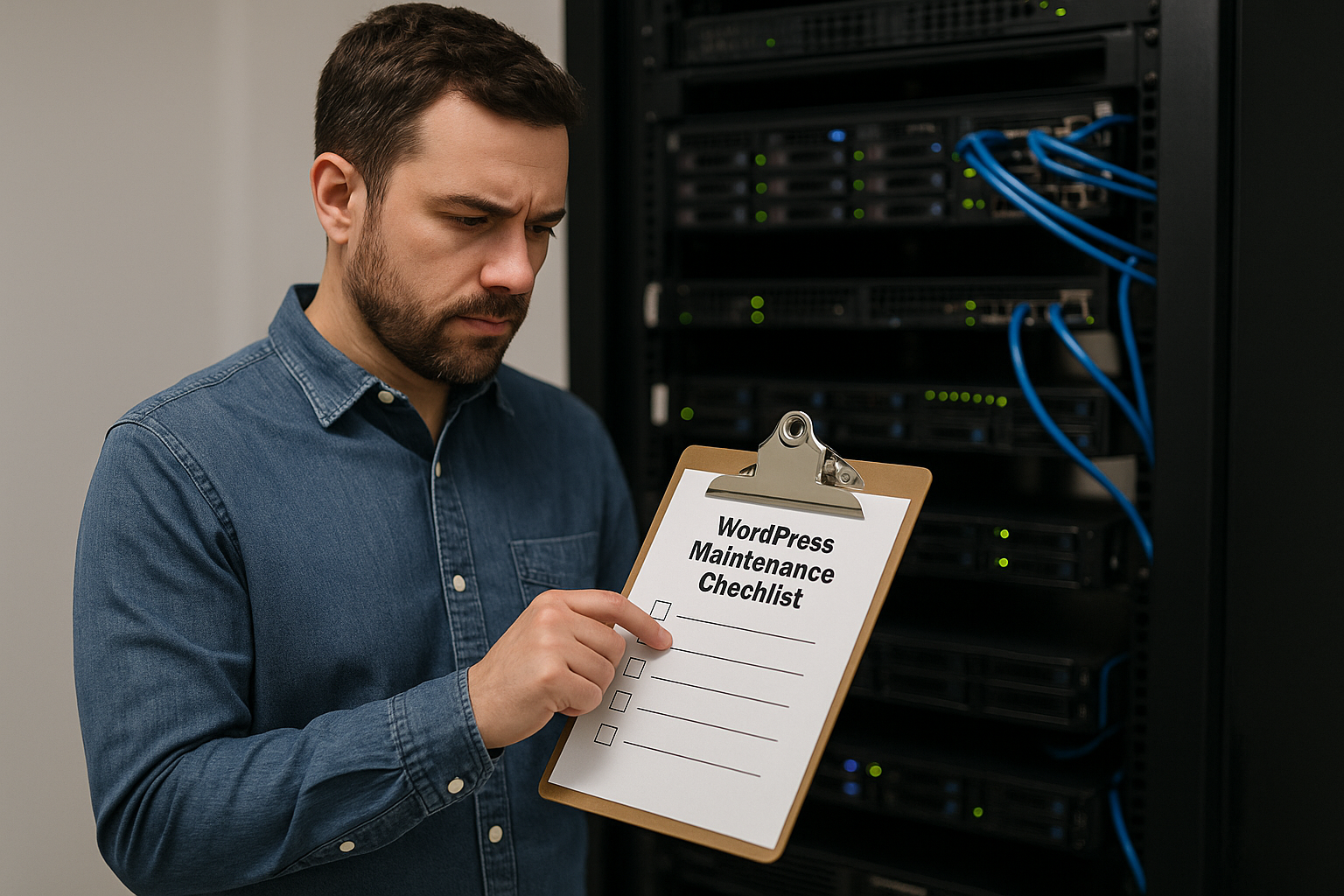
Your website is one of the most important business tools you own. It helps customers find you, evaluate your credibility, and decide whether to contact you, request a quote, or make a purchase. But launching a WordPress website is only the beginning. To keep it secure, fast, and reliable, ongoing maintenance is essential.
For many business owners, WordPress maintenance is easy to ignore until something goes wrong. A plugin conflict can break a contact form. An outdated theme can create security vulnerabilities. A failed backup can turn a small issue into a major disruption. Over time, even a well-built website can lose performance if nobody is checking it regularly.
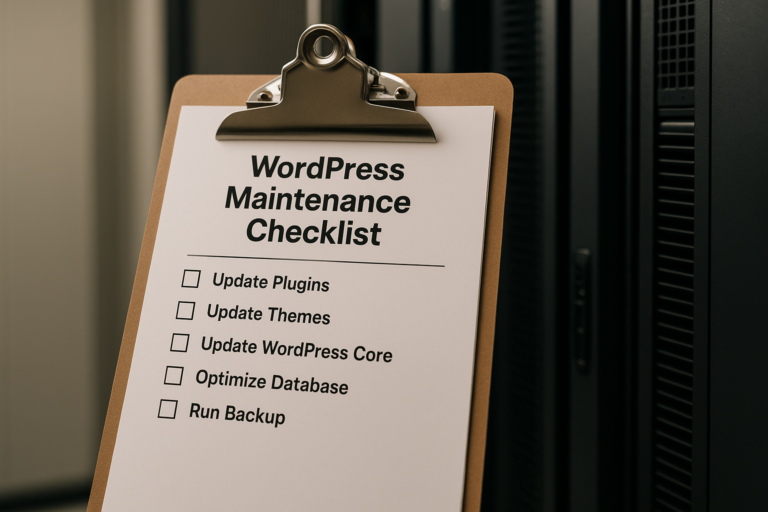
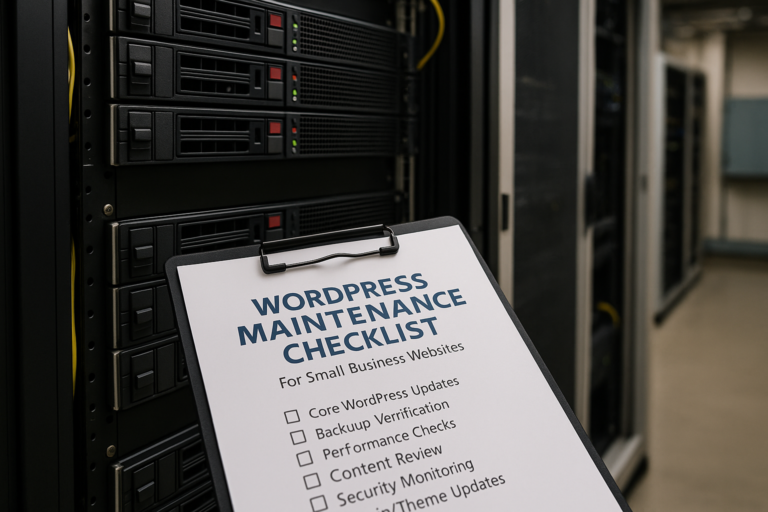
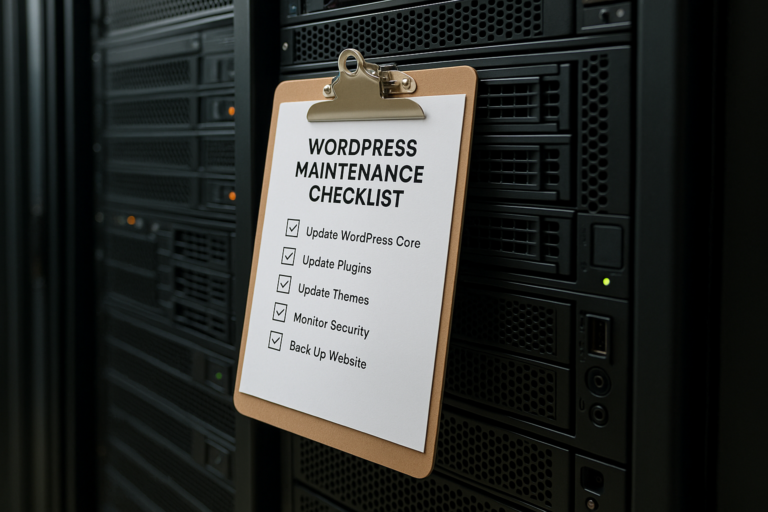
This guide covers a practical WordPress maintenance checklist for small business websites and explains what to update every month. If you want a clear system for website maintenance for small business needs, these are the core tasks that help protect your site, improve user experience, and support long-term growth.
Why Monthly WordPress Maintenance Matters
WordPress is a powerful platform, but it is not something you set up once and forget. Core software, themes, plugins, server environments, browsers, and security threats all change continuously. Regular maintenance helps your site keep up with those changes.
For small businesses, monthly maintenance supports several important goals:
- Security: Updates help close known vulnerabilities before they can be exploited.
- Performance: Ongoing checks help your site stay fast and responsive.
- Reliability: Contact forms, online bookings, checkout pages, and lead generation tools must work properly.
- SEO: Search engines favor websites that perform well and offer a good user experience.
- Business continuity: Verified backups and regular monitoring reduce the impact of technical issues.
In short, monthly WordPress maintenance tasks are not just technical housekeeping. They directly affect leads, trust, conversions, and revenue.
The Core Monthly WordPress Maintenance Checklist
Below is a structured monthly checklist that most small business websites should follow.
1. Update WordPress Core
The first item in any WordPress maintenance checklist for small business websites is updating WordPress core. Core updates often include security fixes, bug repairs, compatibility improvements, and new features.
Before applying any update, it is wise to:
- Create a fresh backup
- Review whether the update is minor or major
- Check plugin and theme compatibility
- Test important functions after the update
For a brochure-style business website, this may be straightforward. For a more advanced website with custom features, booking systems, membership tools, or e-commerce functionality, extra caution is important.
A common mistake is delaying updates for too long. The longer you wait, the more likely it becomes that your site will fall behind and encounter compatibility or security issues.
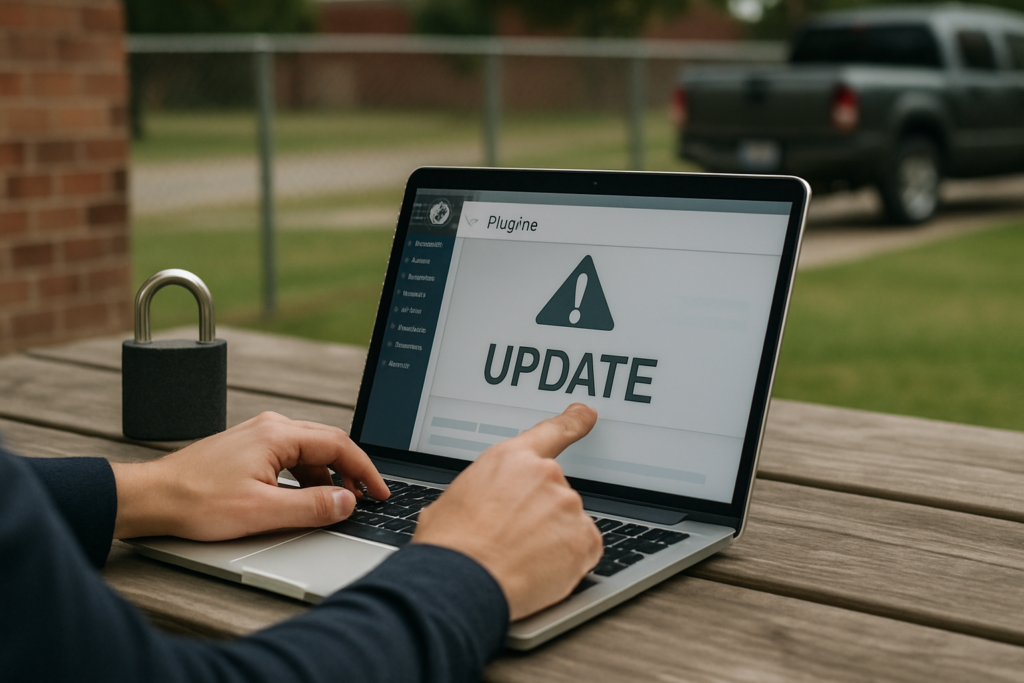
2. Update Plugins
Plugins expand WordPress functionality, but they are also one of the biggest sources of vulnerabilities and technical conflicts. Each month, review every installed plugin and update the ones that are still actively maintained and necessary for your website.
When checking plugins, look for:
- Available updates
- Plugins that are no longer used
- Plugins that have not been updated by developers in a long time
- Duplicate plugins performing the same function
- Possible conflicts after updates
If your site uses plugins for SEO, forms, security, caching, backups, analytics, sliders, popups, or page building, each one should be reviewed carefully. Removing unnecessary plugins can improve speed and reduce risk.
This is one of the most important parts of WordPress updates backups security planning because outdated plugins are a common entry point for attacks.
3. Update Themes
Your active theme should also be reviewed and updated every month. Theme updates may include design improvements, compatibility updates, bug fixes, and security patches.
If your website uses a custom child theme, make sure updates are handled correctly so customizations are not overwritten. If the site was built with a commercial theme, confirm that the license is active and support resources are still available.
After updating the theme, check:
- Homepage layout
- Header and footer
- Mobile responsiveness
- Page templates
- Blog pages
- Contact forms and calls to action
Even a small theme change can affect display or functionality, so visual review is essential.
4. Run and Verify Backups
Backups are only useful if they exist, are recent, and can actually be restored. Every month, confirm that your backup system is running properly.
A reliable backup process should include:
- Full website backups
- Database backups
- Offsite storage
- Backup retention management
- Occasional restore testing
Many business owners assume their hosting provider is handling everything, but that is not always enough. Hosting-level backups can be helpful, but they should not replace a clear backup strategy you understand.
If your website generates leads, stores customer inquiries, processes orders, or includes ongoing content updates, losing data can be costly. Monthly backup verification is one of the most important parts of website maintenance for small business.
5. Perform Security Checks
Security should be reviewed monthly even if your site appears to be working normally. Some problems are not visible right away. A hacked website may still load while spreading spam, redirecting visitors, or damaging your search visibility.
Monthly security checks should include:
- Reviewing malware scan results
- Checking login activity
- Confirming security plugins are active and updated
- Verifying firewall and brute-force protection settings
- Reviewing user accounts and permissions
- Removing old administrator accounts no longer needed
Strong password policies and two-factor authentication are also worth reviewing. If multiple people access the site, permissions should match their role. Not everyone needs administrator access.
Security maintenance is not just about preventing worst-case scenarios. It also protects your reputation and helps preserve customer trust.
6. Test Forms and Key Website Functions
Many small business websites depend on forms to generate leads. If a contact form, appointment request, quote form, or checkout process stops working, you may lose opportunities without realizing it.
Each month, test critical functions such as:
- Contact forms
- Quote request forms
- Newsletter signup forms
- Booking tools
- Checkout process if using WooCommerce
- Phone links on mobile devices
- Email notifications and autoresponders
Do not assume that because the form displays correctly, it is working. Submit a test entry and verify that messages are delivered to the right inbox.
This simple step is often overlooked, yet it can have a direct impact on revenue.
7. Check Website Speed and Performance
Performance affects user experience, conversions, and SEO. A slow website can increase bounce rates and reduce trust, especially on mobile devices.
Every month, review performance factors such as:
- Page load times
- Large image files
- Caching behavior
- Database overhead
- Unused scripts or plugins
- Core Web Vitals trends
If a site has become slower over time, the cause may be cumulative: too many plugins, oversized images, bloated page builders, poor hosting, or scripts from third-party tools.
Even basic performance maintenance can help. Compressing images, clearing cache, optimizing the database, and removing unnecessary plugins are common monthly improvements.
8. Review Uptime and Error Logs
A website can appear fine during a quick visit while still experiencing intermittent issues. Monthly review of uptime reports and error logs can reveal hidden problems before customers complain.
Look for:
- Downtime incidents
- Server errors
- PHP warnings
- Broken scripts
- Database connection issues
- Recurring plugin-related errors
These technical details can help identify small issues early, before they grow into larger problems that affect usability or search performance.
9. Check for Broken Links and Broken Pages
Broken links create a poor user experience and can undermine trust. They can also waste valuable traffic if visitors click a button or menu item that leads nowhere.
Each month, review your site for:
- Broken internal links
- Broken external links
- Missing images
- 404 errors
- Broken buttons or calls to action
This matters especially if your site has service pages, blog posts, downloadable files, or older promotional content. A regular link check helps keep the site professional and usable.
10. Review SEO Health
Monthly maintenance should include a light SEO review, especially for small businesses that depend on search visibility.
Important checks include:
- Pages still being indexed properly
- No sudden traffic drops
- No manual actions or security alerts in Google Search Console
- Metadata displaying correctly
- Redirects working properly
- No accidental noindex settings
If a plugin update, theme change, or technical error affects SEO settings, rankings can suffer quietly over time. A monthly review helps catch issues early.
This does not mean performing a full SEO campaign every month, but your maintenance process should include basic visibility checks.
11. Review Content Accuracy
Content maintenance is often overlooked, yet it is highly important for small business websites. Outdated business information can confuse visitors and reduce confidence.
Once a month, review key details such as:
- Business hours
- Phone numbers
- Email addresses
- Team information
- Service descriptions
- Pricing references if listed
- Promotions or seasonal messages
For example, if your homepage still promotes an expired offer or an old service, the website can feel neglected. Even simple content updates help maintain a polished image.
12. Optimize the Database
WordPress databases can collect unnecessary data over time, including post revisions, spam comments, transient records, and overhead from old plugins.
Monthly database maintenance can include:
- Cleaning spam and trash
- Removing old post revisions
- Optimizing database tables
- Reviewing autoloaded data
This is not always the most visible maintenance task, but it can improve efficiency and help keep the site running smoothly.
13. Audit User Accounts
Small business websites often accumulate user accounts over time. Former employees, outside contractors, or temporary developers may still have access if nobody reviews permissions.
Each month, check:
- Who has administrator access
- Whether any unused accounts should be removed
- Whether user roles are appropriate
- Whether password policies are strong
This is a simple but valuable security habit, especially if multiple people have worked on the website over the years.
A Practical Monthly Routine for Small Business Owners
If the full list feels overwhelming, it helps to group tasks into a repeatable workflow.
Step 1: Back Up First
Create or confirm a fresh backup before making changes.
Step 2: Apply Updates
Update WordPress core, plugins, and themes in a controlled order.
Step 3: Test Key Functions
Check forms, navigation, mobile display, and any conversion-related tools.
Step 4: Review Security and Performance
Scan for security issues and review load speed, uptime, and logs.
Step 5: Check Content and SEO
Confirm business information is current and make sure there are no obvious indexing or metadata issues.
Step 6: Document What Was Done
Keep a simple maintenance log. Record updates, problems found, backups confirmed, and any fixes performed. This makes troubleshooting easier later and helps create accountability.
Common WordPress Maintenance Mistakes to Avoid
Even businesses that try to maintain their websites sometimes create unnecessary risk. Watch out for these common mistakes:
- Skipping backups before updates: This can turn a minor conflict into a major outage.
- Updating everything at once without testing: If something breaks, it becomes harder to identify the cause.
- Ignoring plugin bloat: Too many plugins can affect speed, stability, and security.
- Using outdated themes or plugins: Unsupported tools can create serious vulnerabilities.
- Assuming hosting alone covers maintenance: Hosting is only one part of the process.
- Never testing forms: A broken form can quietly cost leads for weeks or months.
- Delaying maintenance too long: Small issues become harder and more expensive to fix over time.
When Professional Maintenance Becomes Worth It
Some small business owners handle basic maintenance themselves, especially if the website is simple. But as a site grows, monthly maintenance can require more time, technical knowledge, and consistency.
Professional support becomes especially valuable when a website includes:
- Custom functionality
- WooCommerce or online payments
- Booking systems
- Membership or portal features
- Frequent content updates
- Important lead generation forms
- SEO and advertising traffic that depend on consistent uptime
For many businesses, the real value of maintenance is peace of mind. Instead of reacting to problems after they disrupt the site, you build a process that helps prevent them.
Conclusion
A website is not a one-time project. It is an active business asset that needs regular attention to stay secure, effective, and competitive. Following a consistent WordPress maintenance checklist for small business websites helps reduce technical risk, improve user experience, and protect the marketing investment you have already made.
The most important monthly WordPress maintenance tasks include updating WordPress core, plugins, and themes, verifying backups, checking security, testing forms, reviewing speed, monitoring errors, and confirming content accuracy. These steps may seem routine, but they play a major role in keeping your site reliable and professional.
When approached consistently, website maintenance for small business is not just about fixing problems. It is about protecting visibility, preserving trust, and keeping your website ready to support growth month after month.